E3 Controller
You can use your iPhone, iPod touch, or iPad just like a standard remote control to operate your Disklavier E3 or DKC-850. What's more, the display information from the Disklavier appears on the display of your iOS device, so you can access all of the functions of your Disklavier from anywhere within the range of the wireless router to which it is connected.

Product Information
E3 Controller
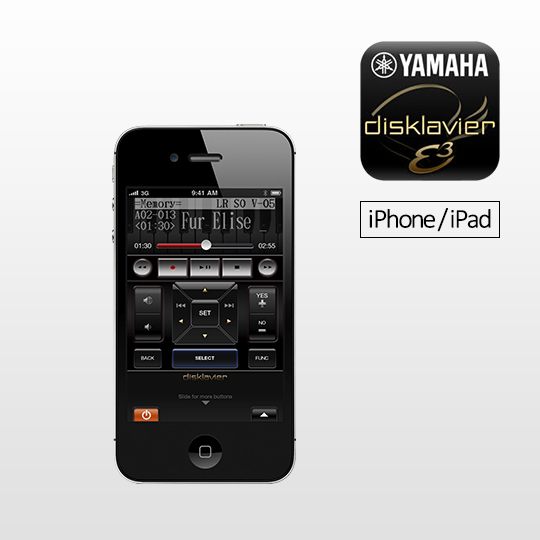
The remote controls for the DisklavierE3 and DKC-850 have been adapted for use with smartphones, making remote operation possible with such intuitive actions as touches and flicks.
The colors and finishes shown may vary from those on the actual products.