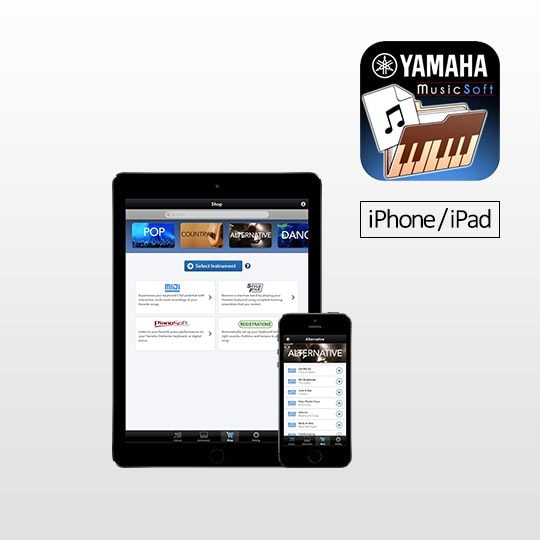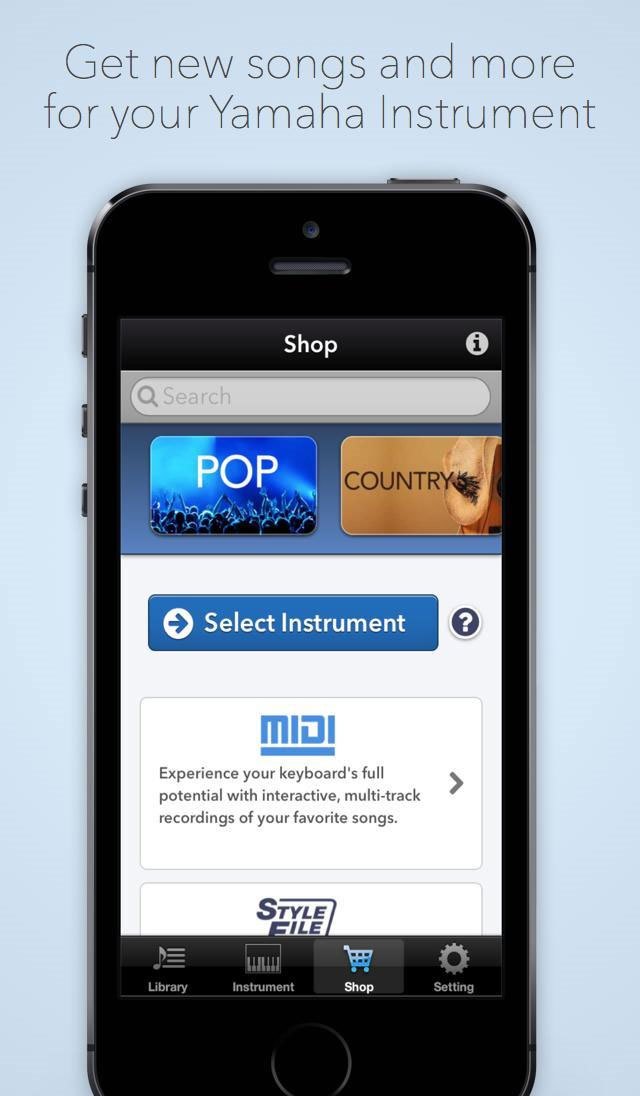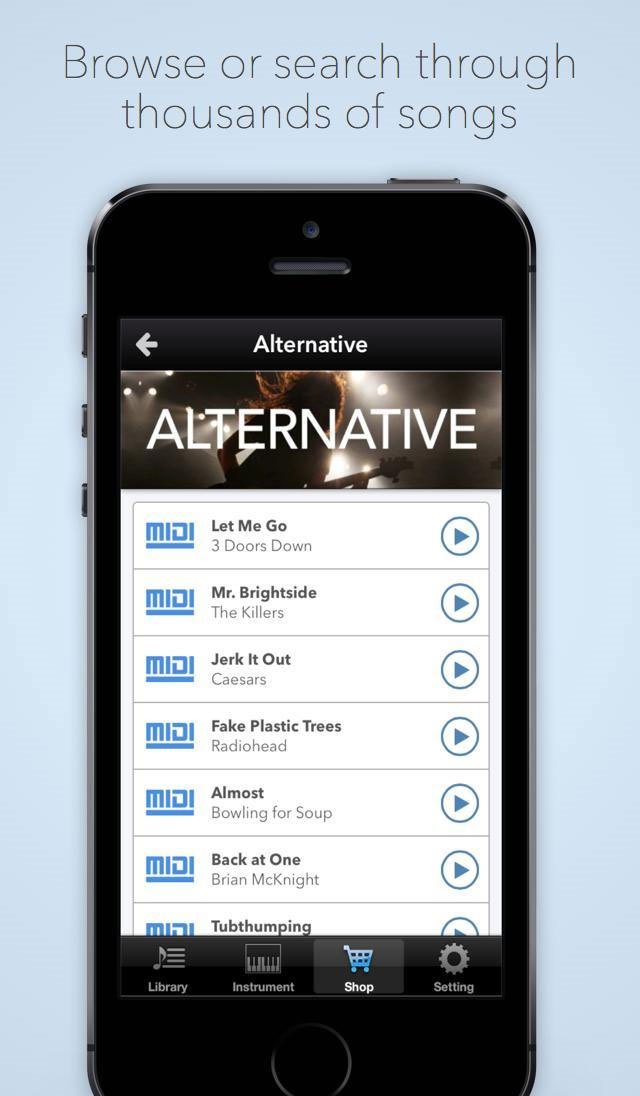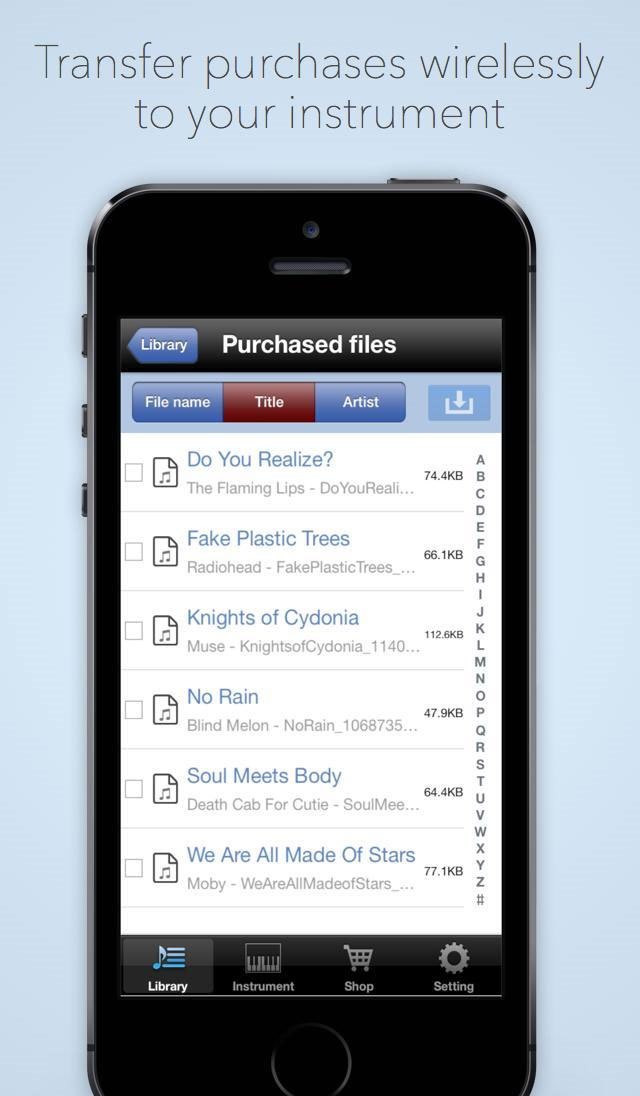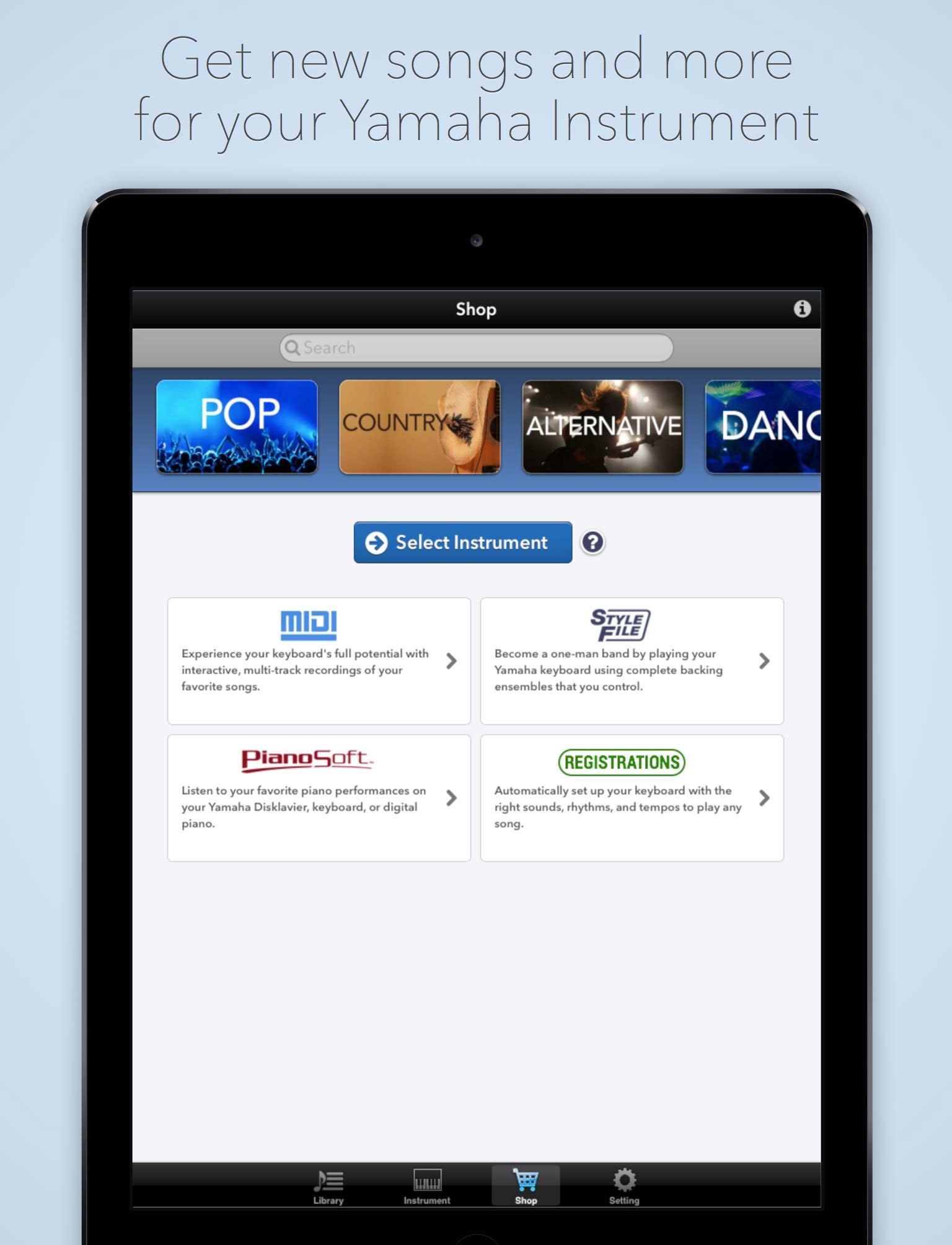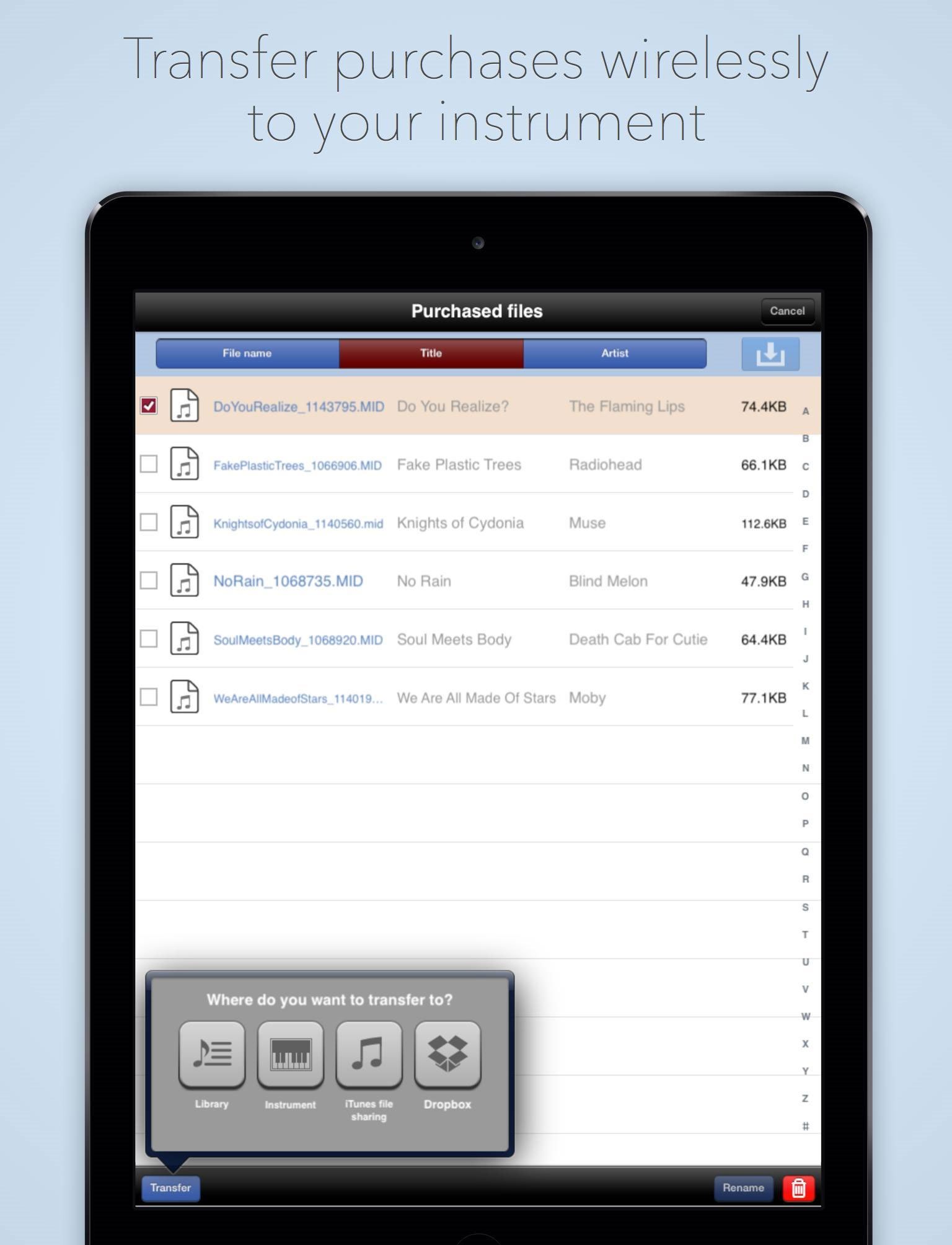
You can backup MIDI or style data on the digital musical instrument to the app, or restore data to the instrument from the app. Changing file names and other functions that are more time consuming to perform on the instrument can be done directly and easily from the app itself. The Dropbox* and iTunes File Sharing feature can be used to transfer MIDI or style data purchased from Yamaha MusicSoft from your computer to MusicSoft Manager, and data stored in MusicSoft Manager can be backed up to your computer. *Dropbox is a free online storage service provided by Dropbox Inc.
| Works with: | iPhone 3GS/4/4S/5, iPod touch (4th/5th Generation), iPad (3rd/4th generation), iPad2 (2nd generation), iPad mini |
|---|---|
| Requirements: | Requires iOS 6.0 or later |
| Languages: | English and Japanese |
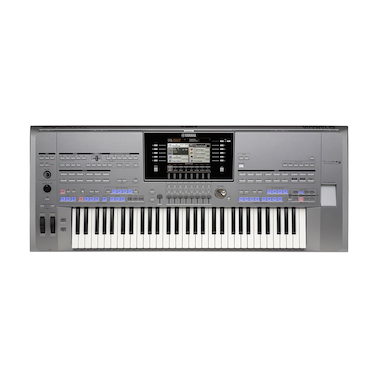
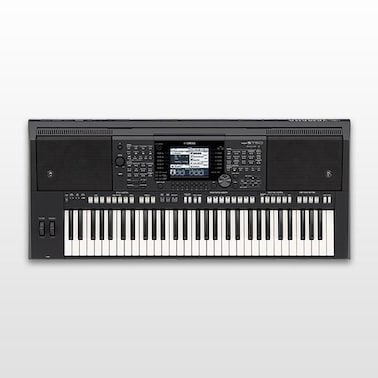
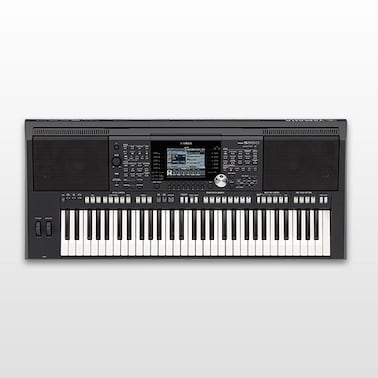
| Compatible instruments: | Please refer to “Related Products” below. * You can connect your instrument using Yamaha's i-MX1 interface. In case of iPhone5, iPod touch(5th generation), iPad(4th generation) and iPad mini, you can use i-MX1 with Apple Lightning to 30-pin Adapter. For instruments that have an USB to Host terminal, you will need an iPad(3rd/4th generation), iPad2 or iPad mini(& Apple Lightning to 30-pin Adapter) with the Apple iPad Camera Connection Kit. |
Download from the App Store
Features
Backup data on your instrument to the app, or restore data to your instrument from the app
Connect your instrument to an iPhone, iPod touch, or iPad and backup your song data to the MusicSoft Manager. You can also transfer the song data stored in the app back to your instrument.
You can connect your instrument using Yamaha's i-MX1 interface...