Portables
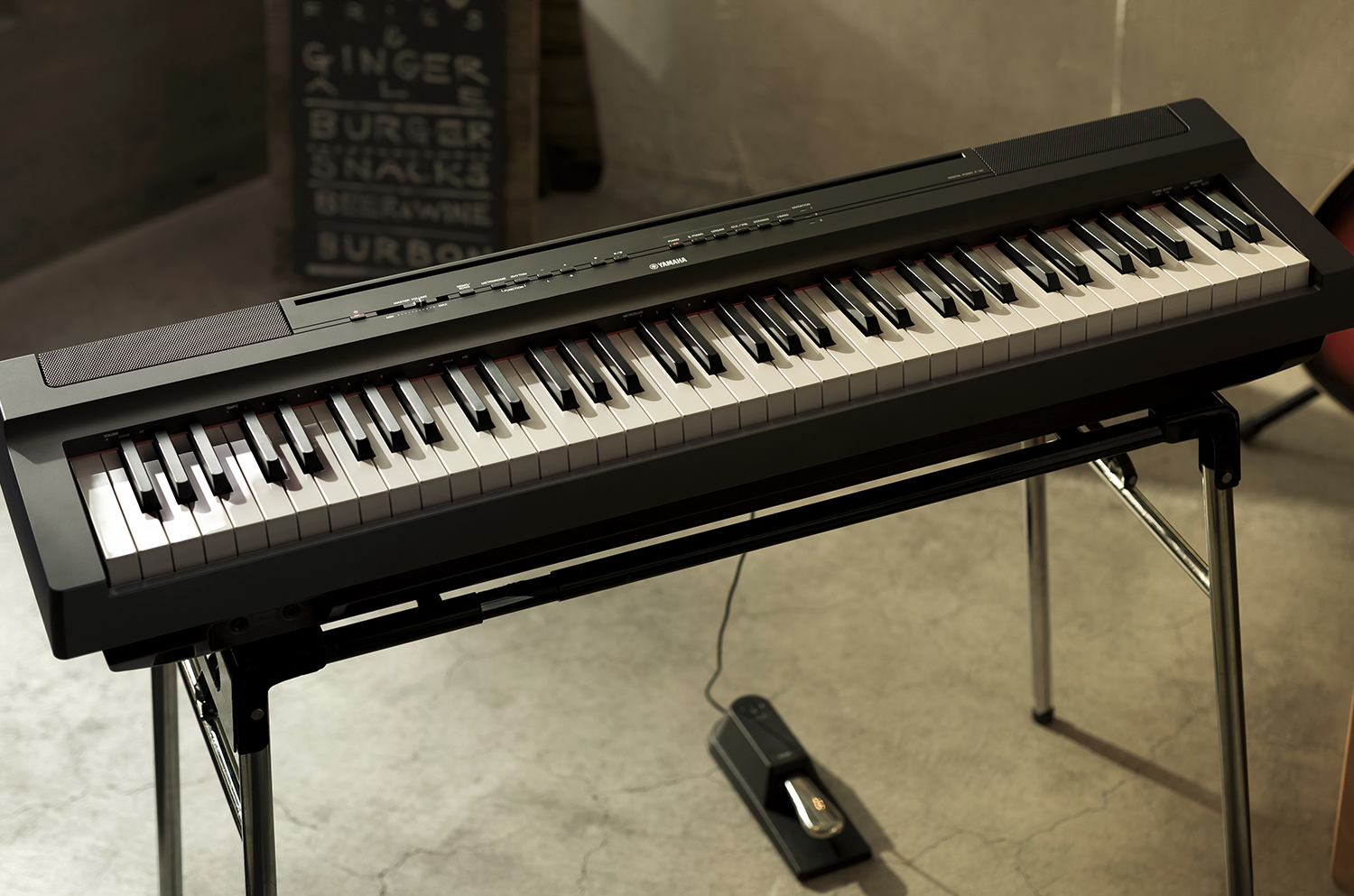
P Series gives you the dynamic, high-quality sound and natural piano touch response they expect from Yamaha - manufactures of world class acoustic pianos for more than a century. These Yamaha hallmarks, along with a high-quality built-in stereo speaker system are packed into a slim, stylish and portable design.
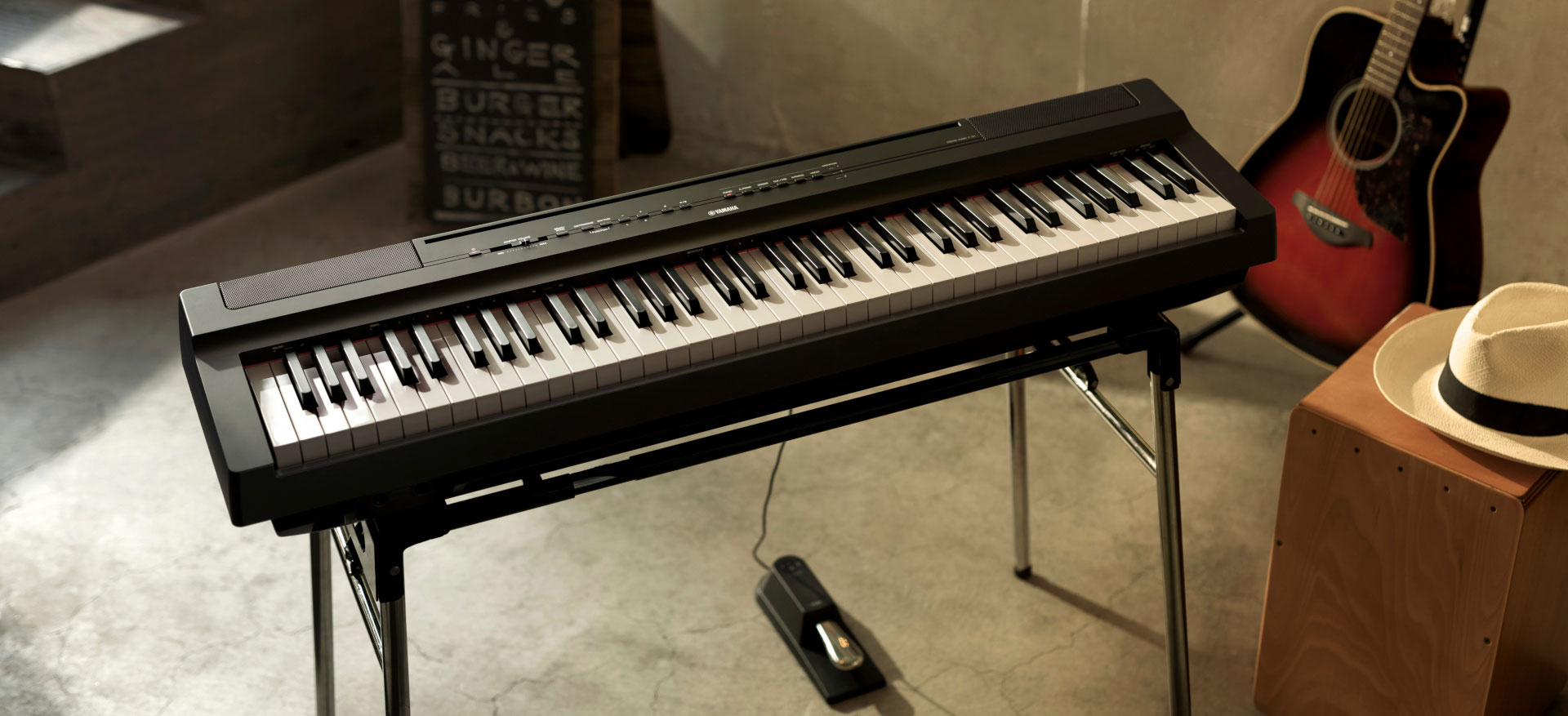
Portable Digital Pianos
The world's most popular digital pianos.
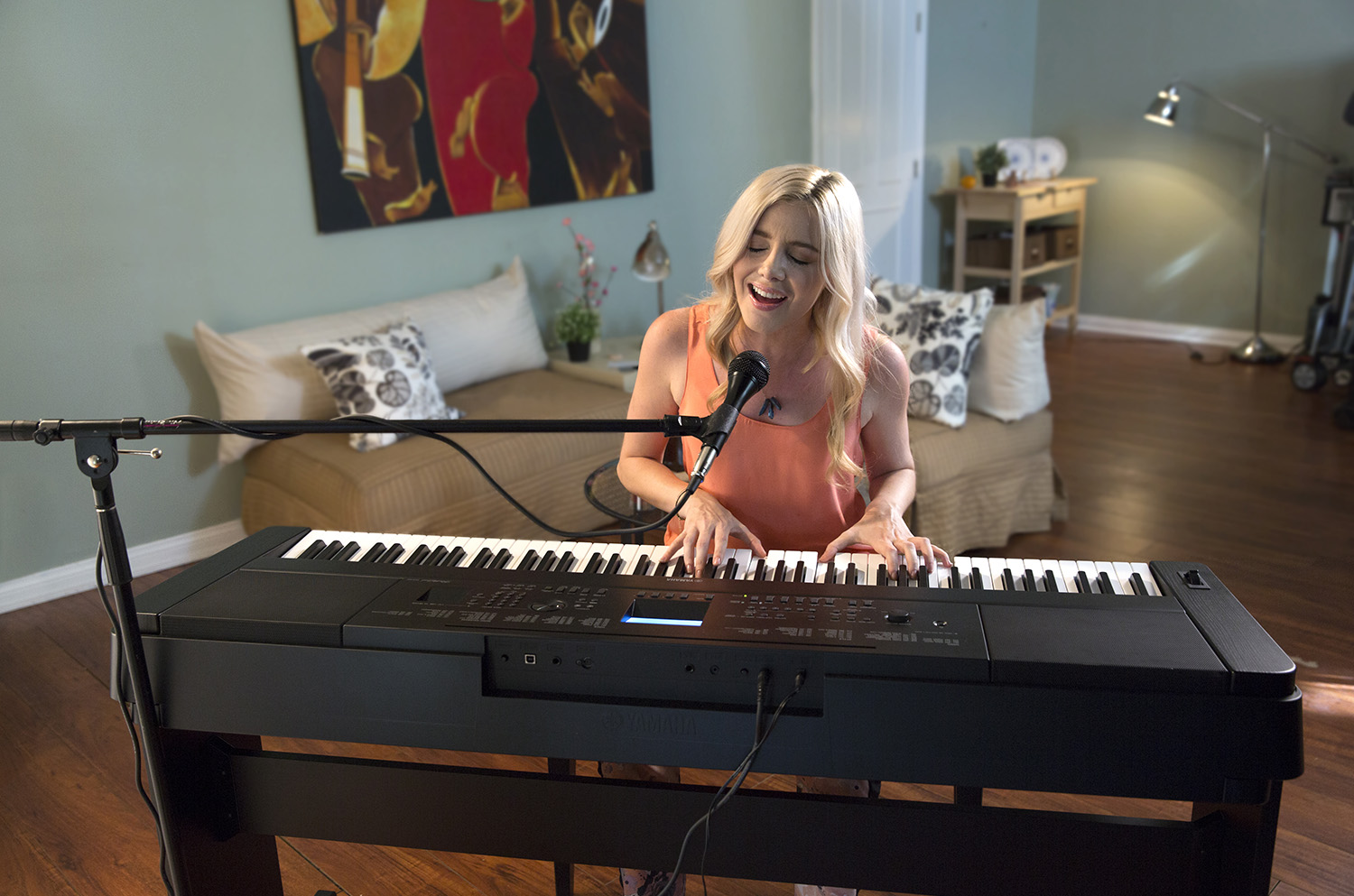
Enjoy the touch and tone of a Yamaha acoustic piano wherever the music takes you. These portable, full feature digital pianos let you turn any space into a recording studio, club stage or concert hall. With a wide range of instrument voices and backing styles, play back, MIDI songs and a microphone input with digital effects so you can sound like a pro. It all works seamlessly with your electronic devices.
Features
-
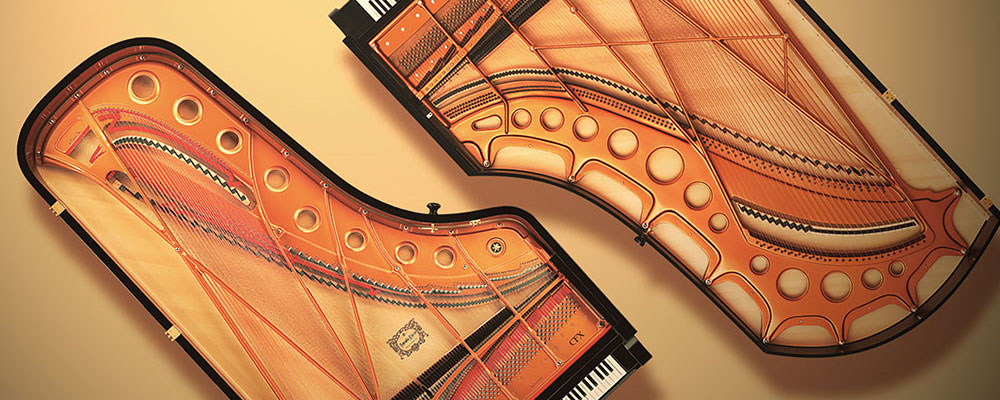 The sound of our digital pianos are created by sampling our flagship Yamaha CFX concert grand and feature built-in Yamaha speakers similar to those found in clubs and stadiums worldwide.
 -
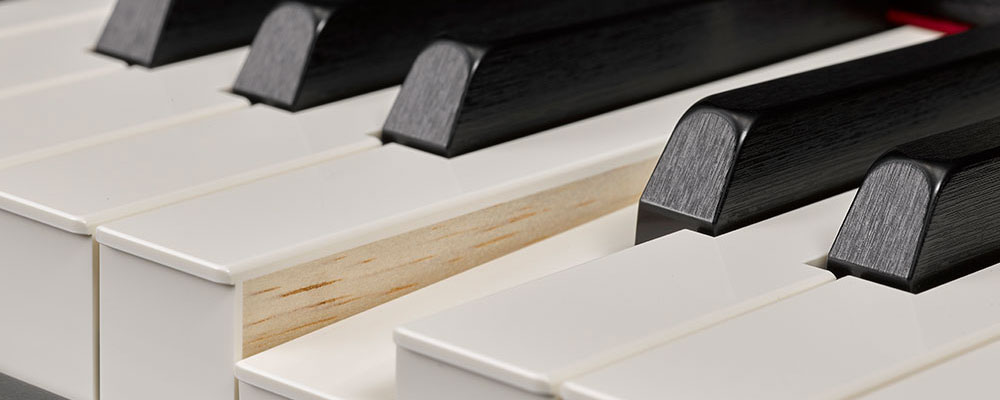 Weighted keys recreate the responsive, controlled action of a Yamaha acoustic piano. Our proprietary synthetic ebony and ivory keytops have a natural, comfortable feel that players of all levels can’t wait to get their hands on.
 -
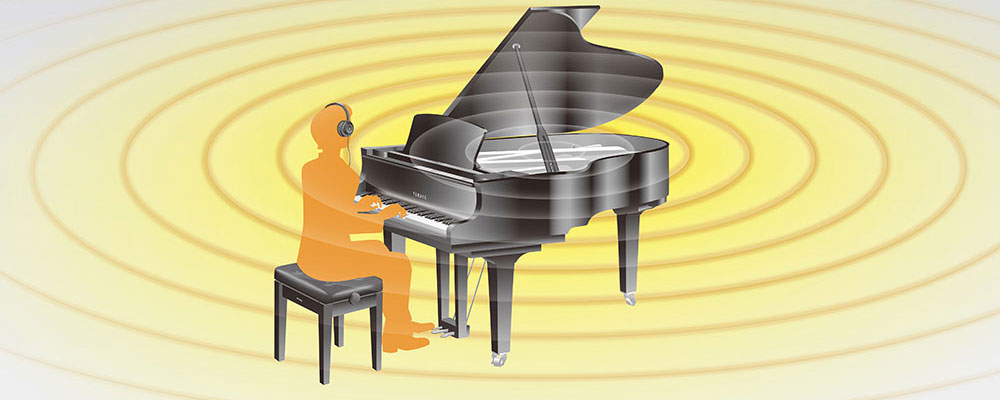 Our innovative Virtual Resonance Modeling (VRM) recreates the resonance of the soundboard, rim and frame to emulate the natural feeling of an acoustic piano. Even while wearing headphones.
 -
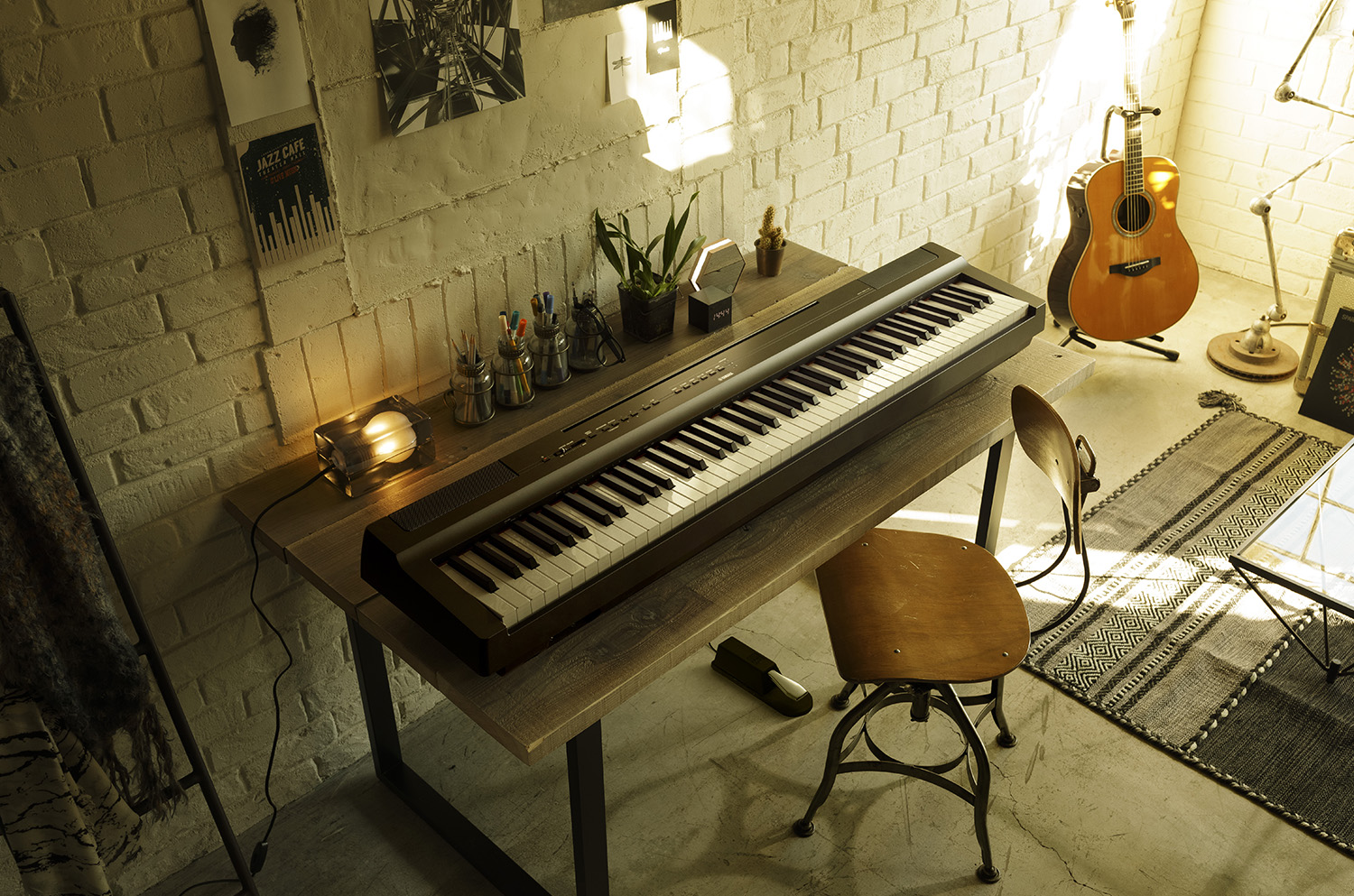
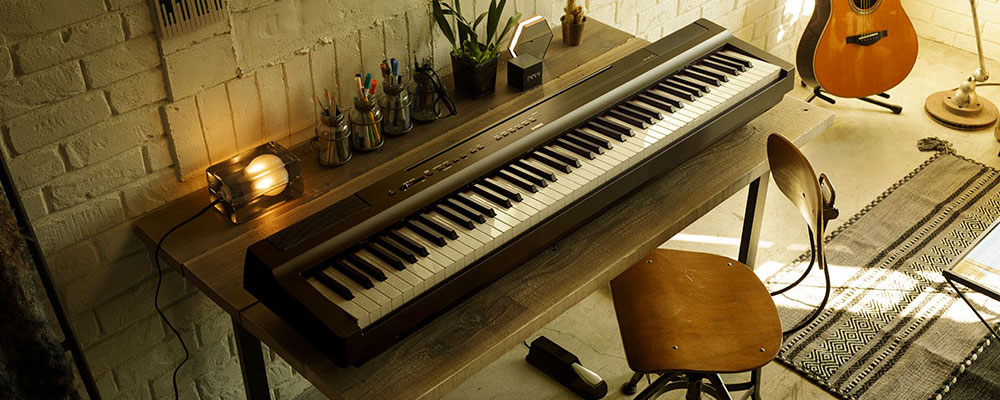 We figured out how to put innovative Yamaha thinking into smaller, sleeker designs so you can make music in just about any space.
 -
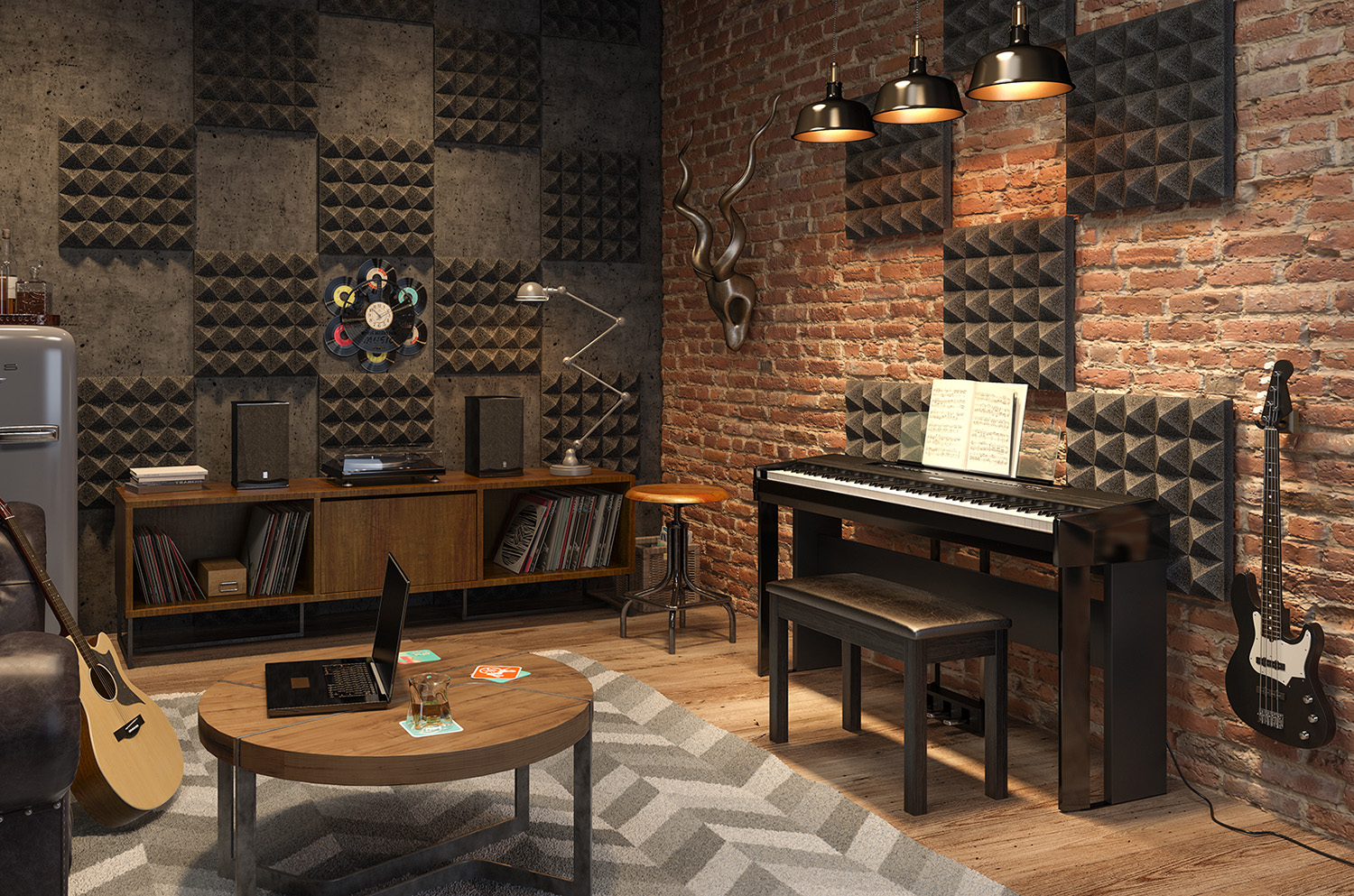
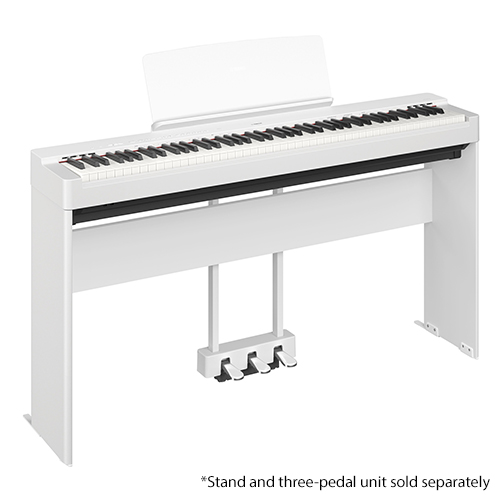
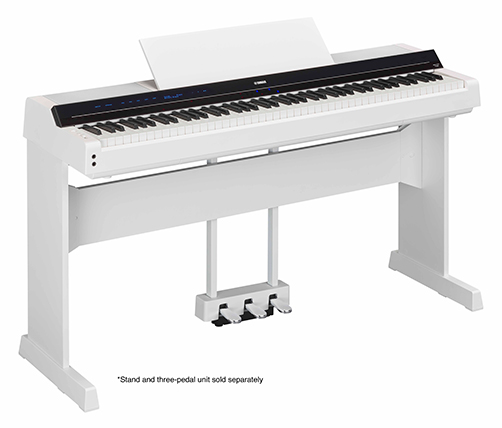
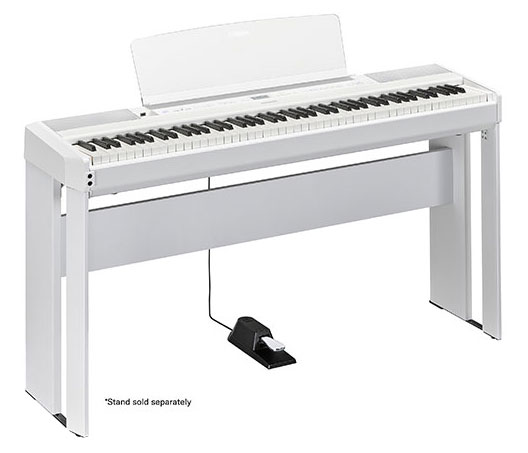
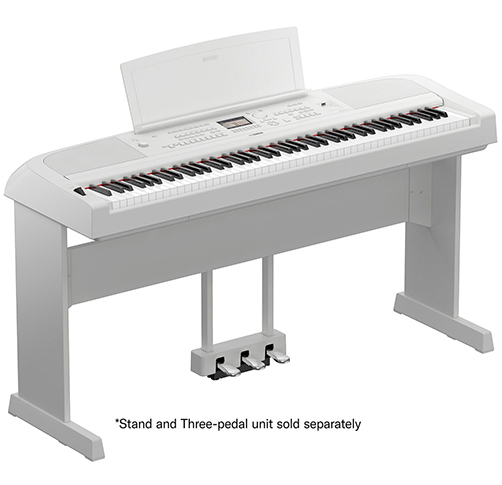
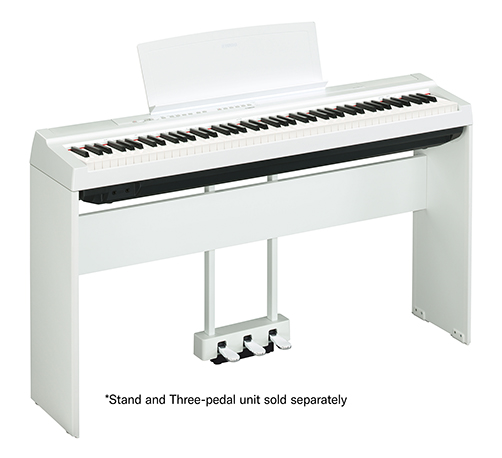
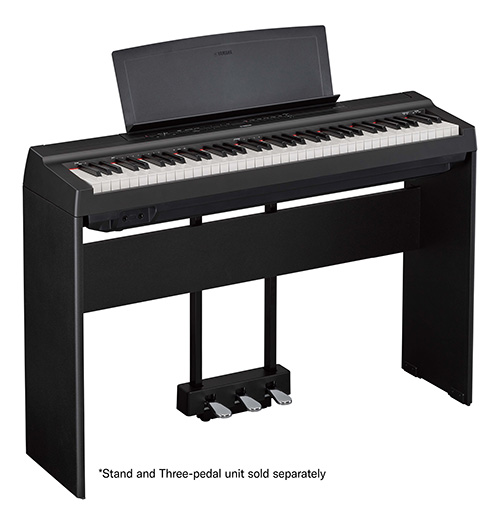
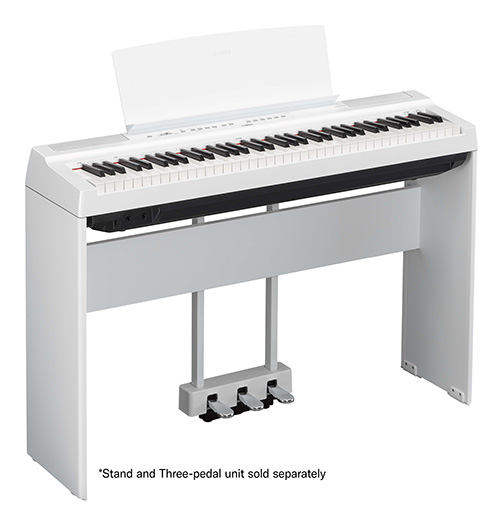
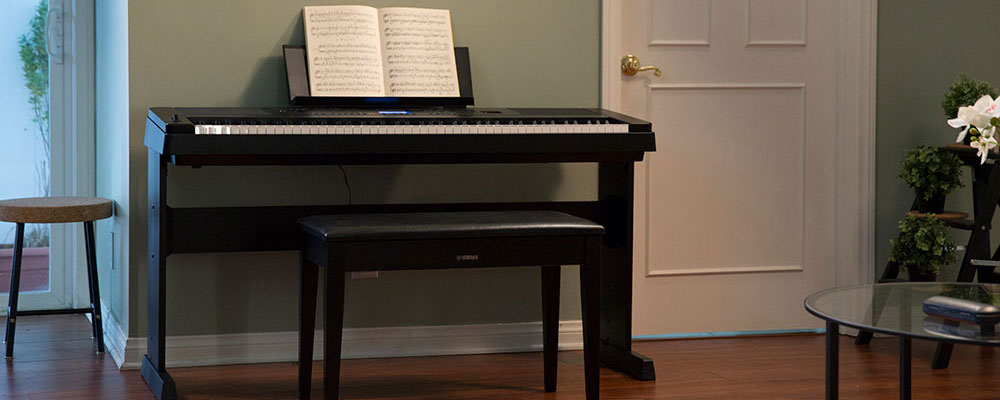 Just got back from your world tour? Want to keep your digital piano in one place? A stylish matching wood stand makes your Yamaha feel at home in any home.
 -
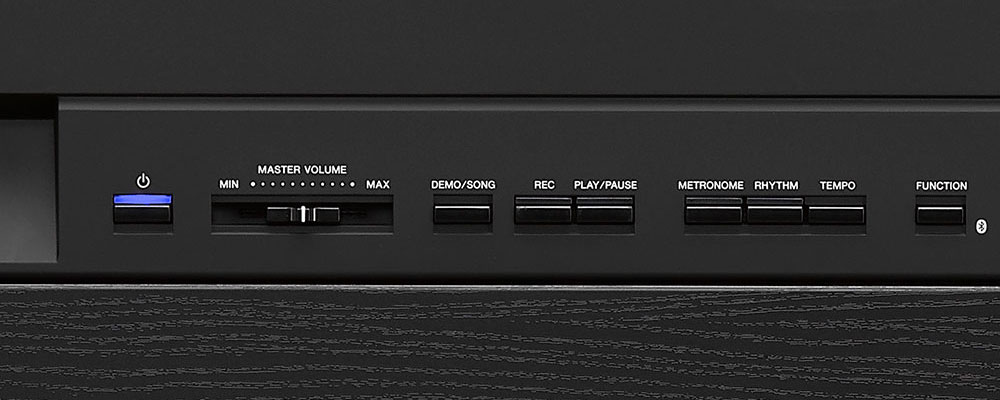 Our metronome can be replaced by a drum groove on select models. Yet another Yamaha innovation you can always count on.
 -
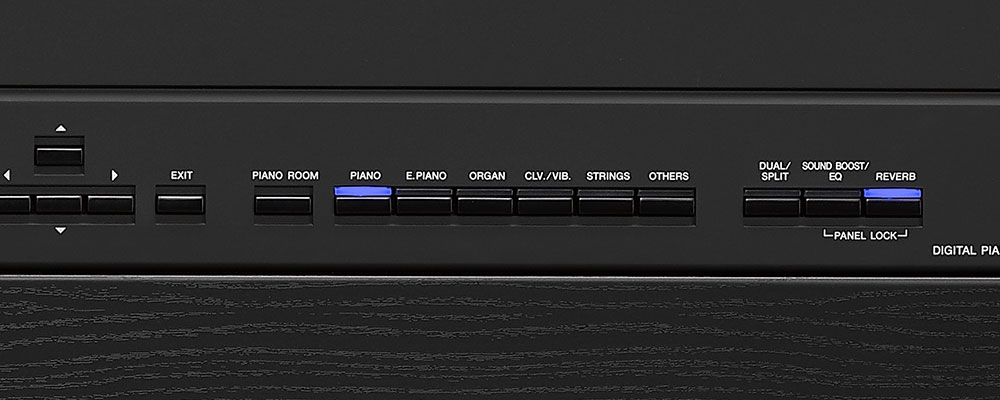 Piano and Strings. Bass and guitar. French Horn and Cello. Dual Voice Mode lets you play two Voices at the same time for nearly infinite musical inspiration.
 -
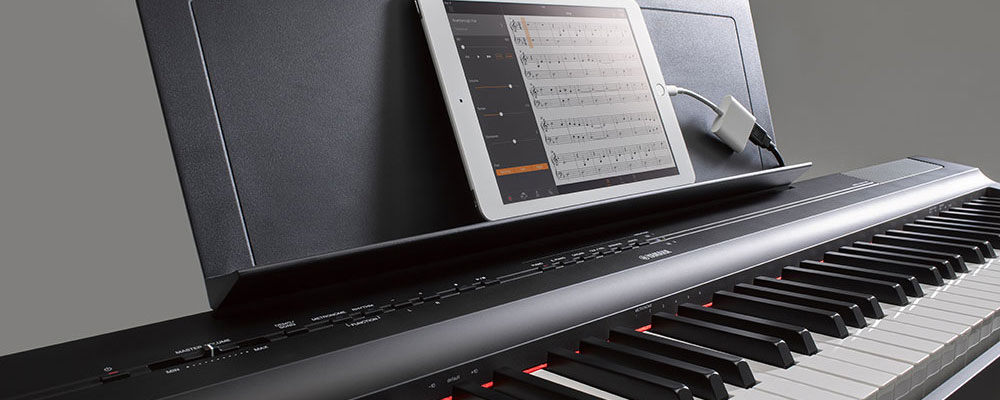 Simply connect your smart device by USB and the Smart Pianist and Digital Piano Controller apps help you select Voices and choose settings. Or connect to computers, mobile devices and creative and educational software to do even more.
-
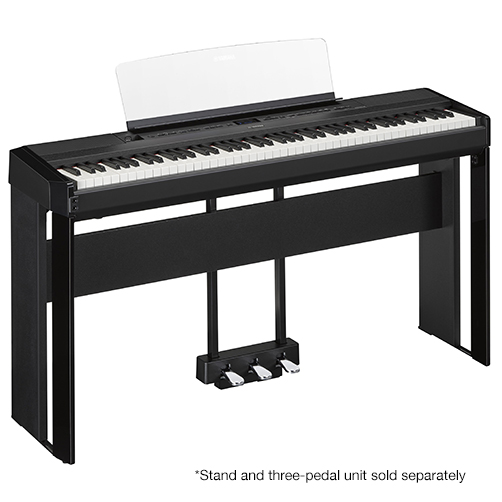
NEW!P-525
GrandTouch-S Keyboard Action
Yamaha CFX & Bösendorfer Imperial Piano Samples
Binaural Sampling
Grand Expression Modeling
Virtual Resonance Modeling (VRM)
Bluetooth Audio & MIDI
USB to HOST (MIDI & Audio)
256-note Polyphony View Product DetailsColors / Finishes Black

-
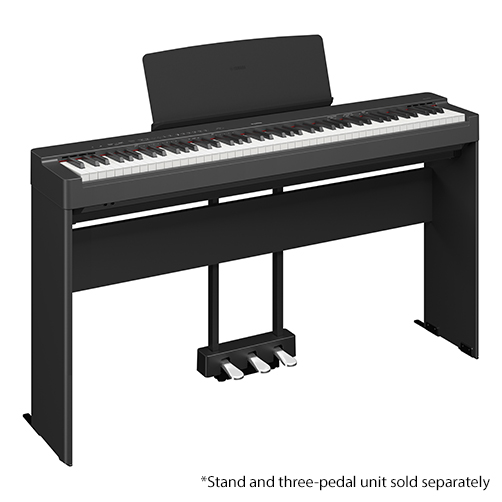
NEW!P-225
Graded Hammer Compact (GHC) Keyboard Action
CFX Premium Grand Piano Voice
VRM (Virtual Resonance Modeling) Lite
Half-Damper Pedal Control
Bluetooth Audio
USB to HOST (MIDI & Audio)
Split Mode
Dual Mode
192-note Polyphony View Product DetailsColors / Finishes Black
-
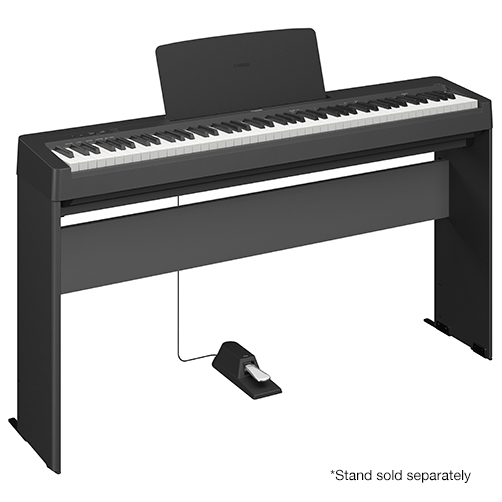
NEW!P-143
Graded Hammer Compact (GHC) Keyboard Action
CFIIIS Premium Grand Piano Voice
Damper Resonance
Advanced Wave Memory Stereo Sampling
USB to HOST (MIDI & Audio)
Duo Mode
Dual Mode
64-note Polyphony View Product DetailsColors / Finishes Black
-
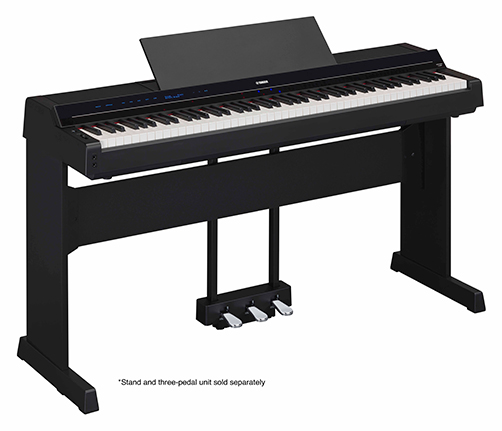
NEW!P-S500
Stream Lights show you which notes to play and when to play them
Yamaha CFX & Bösendorfer Imperial Piano Samples
Compatible with Smart Pianist app
Play along with the 403 preset Songs
Audio To Score function
Virtual Resonance Modeling (VRM)
88-note weighted GHS keyboard
660 high-quality instrument Voices, including Super Articulation Voices
Built-in Auto Accompaniment features with 370 Styles
1/4" Mic input and automatic Vocal Harmony View Product DetailsColors / Finishes Black
-
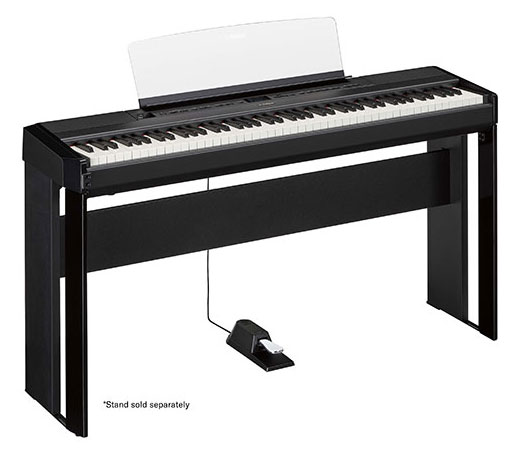
P-515
Yamaha CFX & Bösendorfer Imperial Piano Samples
Binaural Sampling
Personalized Piano Room
Virtual Resonance Modeling (VRM)
NWX (Natural Wood X) Keyboard with Synthetic Ebony and Ivory Key Tops & Escapement
Key-off Samples
Smooth Release
Half-Damper Pedal Control
Full Dot LCD Display (Size: 128 x 64 dots)
XG compatibility View Product DetailsColors / Finishes Black
-
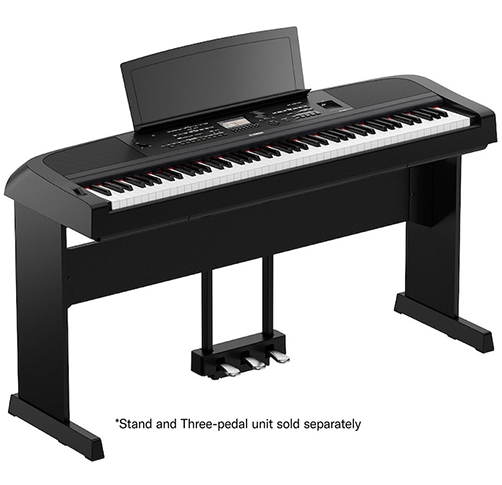
DGX-670
CFX Stereo Sampling
Graded Hammer Standard Keyboard with matte black keys
Adaptive Style
Unison and Accent mode
Smart Chord
4.3" TFT Color WQVGA LCD
Score Display
MIDI Compatibility with Songs in the You Are the Artist Collection
1/4" Mic Input
Assignable Pedal Function
16-track song recorder
USB Audio (WAV) Recording and Playback View Product DetailsColors / Finishes Black

-
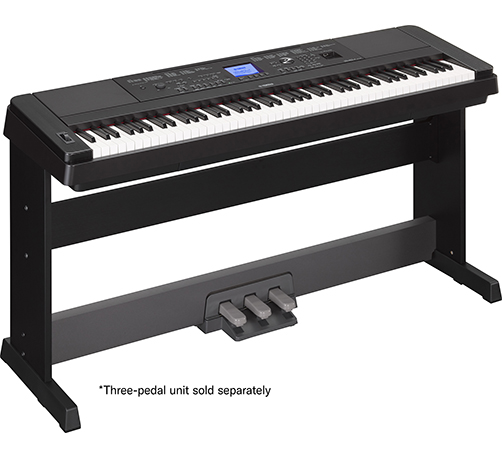
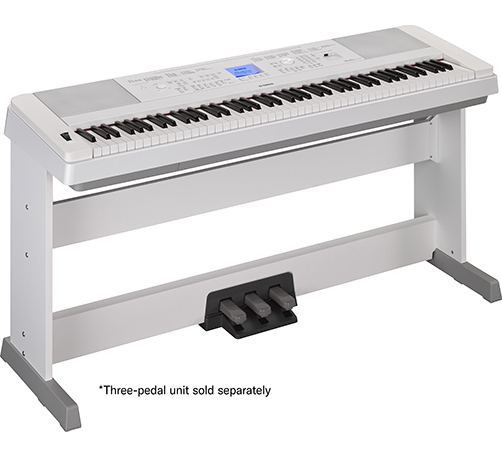
DGX-660
Pure CF Sound Engine
GHS (Graded Hammer Standard) Keyboard Action with Matte Black Key Tops
Score Display
MIDI Compatibility with Songs in the You Are the Artist Collection
1/4" Mic Input
Wireless Audio & MIDI
Personalized Piano Room
Assignable Pedal Function
6-Track Song Recorder
USB Audio (WAV) Recording and Playback View Product DetailsColors / Finishes Black
-
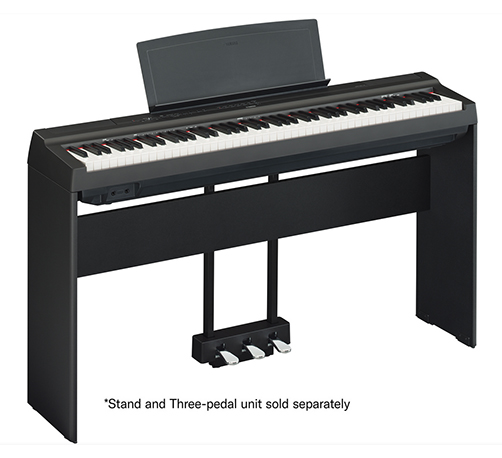
P-125a
GHS (Graded Hammer Standard) Keyboard Action with Matte Black Key Tops
Pure CF Sound Engine
String Resonance
Damper Resonance DSP
Key-Off Samples
USB TO HOST (MIDI only)
Sound Boost
Stereophonic Optimizer
Split Voice Mode
Duo Mode View Product DetailsColors / Finishes Black

-
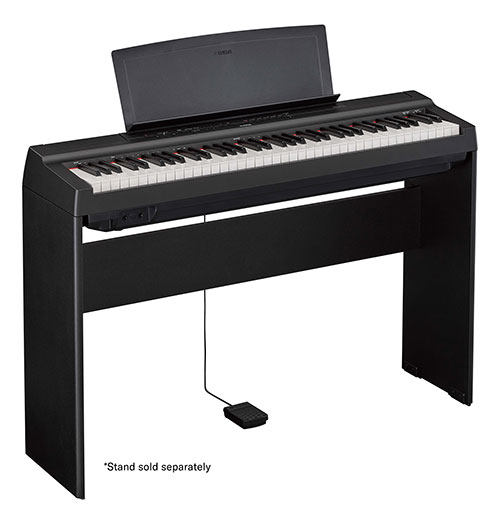
P-121
GHS (Graded Hammer Standard) Keyboard Action with Matte Black Key Tops
Pure CF Sound Engine
String Resonance
Damper Resonance DSP
Key-Off Samples
USB TO HOST (MIDI and Audio)
Sound Boost
Stereophonic Optimizer
Split Voice Mode
Duo Mode View Product DetailsColors / Finishes Black

-
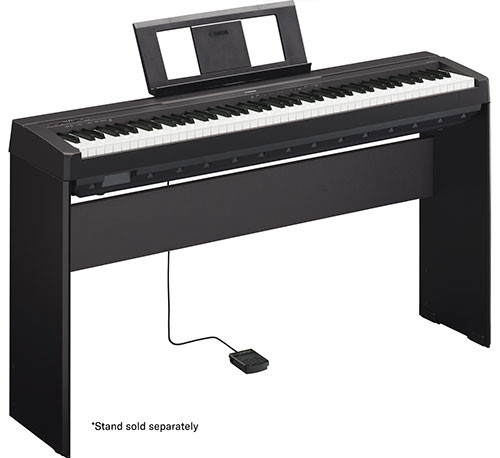
P-45
GHS (Graded Hammer Standard) Keyboard Action with Matte Black Key Tops
Advanced Wave Memory (AWM) Stereo Sampling
64-Note Polyphony
Dual Voice Mode
USB TO HOST
Duo Mode
Half-Damper Pedal Control View Product DetailsColors / Finishes Black
Find a Dealer
Gallery