METRONOME

METRONOME

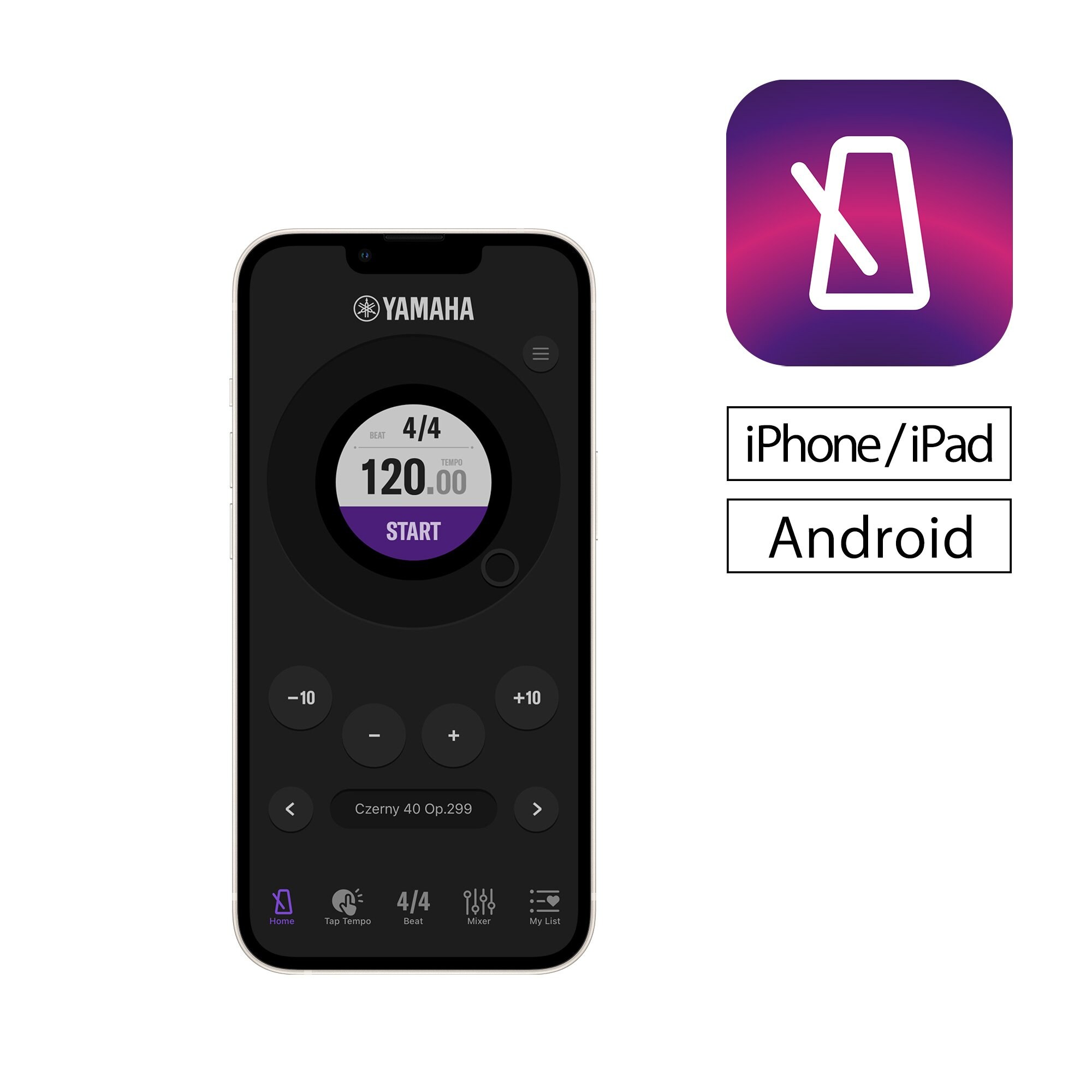
Yamaha’s METRONOME app makes playing even more convenient. This app is easy for anyone to use, no matter what instrument you play.

For information on supported operating systems and devices, please check the Apple App Store or Google Play Store.


Home
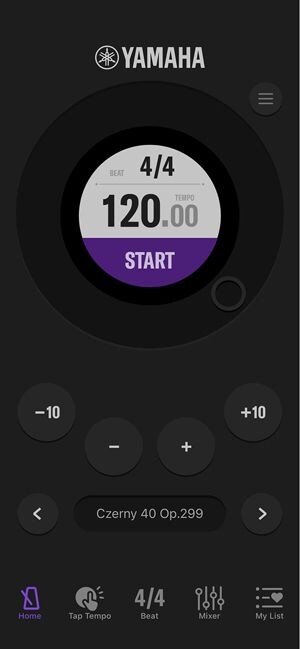
A dark-mode screenshot of a mobile metronome application interface from YAMAHA.

The highly accurate engine ensures precise tempo.

The app also features a vibration function that lets you feel the tempo.*

*Only available on devices with vibration function.

Tap Tempo
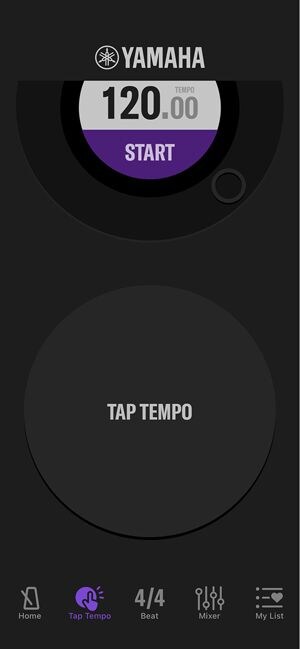
A screenshot of a dark-themed Yamaha metronome mobile application interface, showing the "Tap Tempo" feature.

Easily find the tempo with the tap tempo function.

Beat
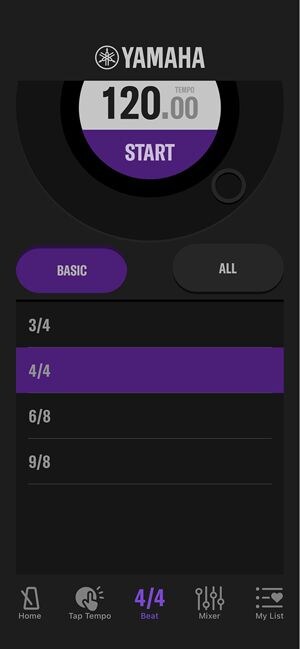
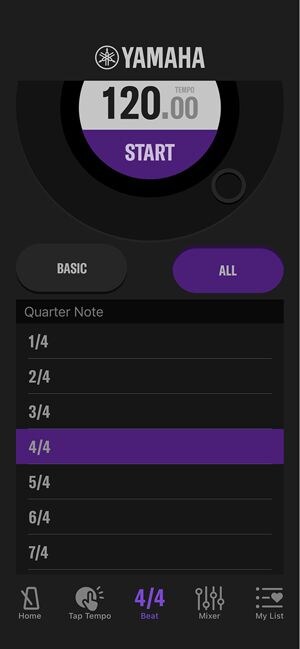
The left screenshot shows the 'BASIC' time signature options like 3/4 and 4/4.The right screenshot shows the 'ALL' options, including more complex signatures like 1/4, 2/4, 5/4, and 7/4.

Set the beat (time signature) by selecting a time signature from the list.

Mixer
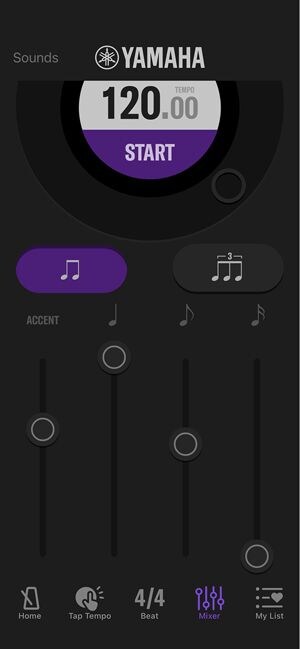
Yamaha mobile metronome application interface with a dark theme showing the white YAMAHA logo and a central semi-circular display showing a tempo of "120.00" and a purple "START" button.Yamaha mobile metronome application interface with a dark theme showing multiple options: "Bell," "Click" (highlighted in purple), "Beep Bell," "Beep Click 1," and "Beep Click 2."

Adjust the volume and change the tone for each beat.

My List
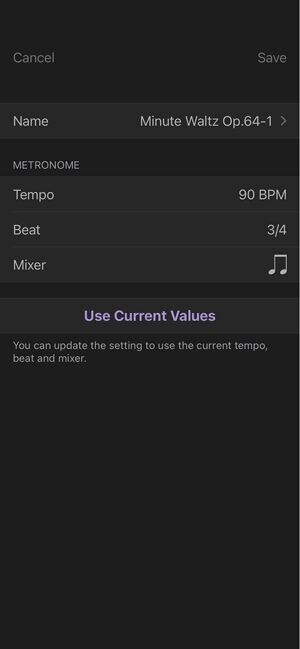
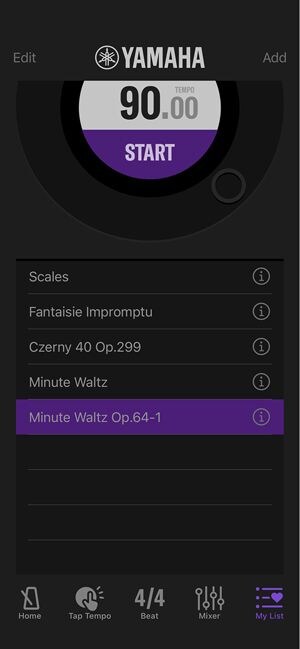
A dark-mode screenshot of a mobile app's song detail settings screen.A screenshot of a mobile app's song settings screen in dark mode, showing fields to edit a musical piece named 'Minute Waltz Op.64-1' with specific metronome and mixer settings.

Save your favorite tempos and settings in your own personalized list.

The colors and finishes shown may vary from those on the actual products.