How to Navigate the Course
Step 1
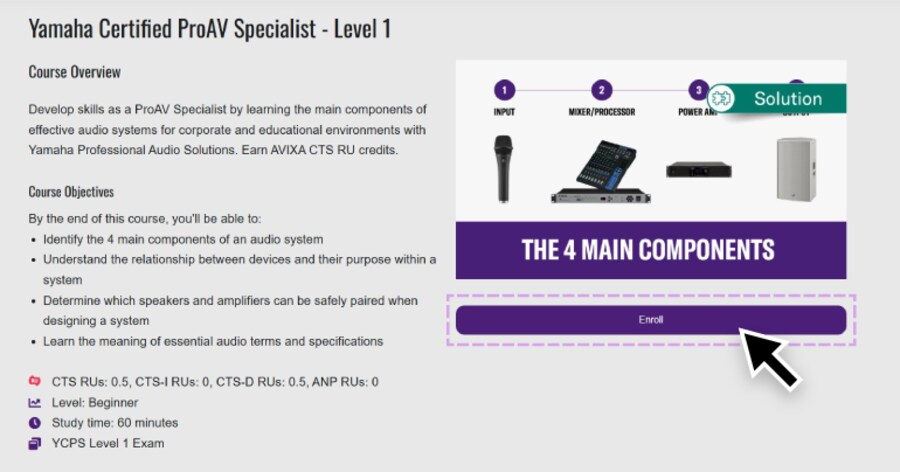
After selecting a course from the catalog, the Course Overview will appear.
Select the "Enroll" button to add it to your personal course roster.
Then click "Continue" if you want to start the course immediately.
Otherwise, your course will be saved in your profile and can be accessed by selecting "My Activity" in the top toolbar.
Step 2
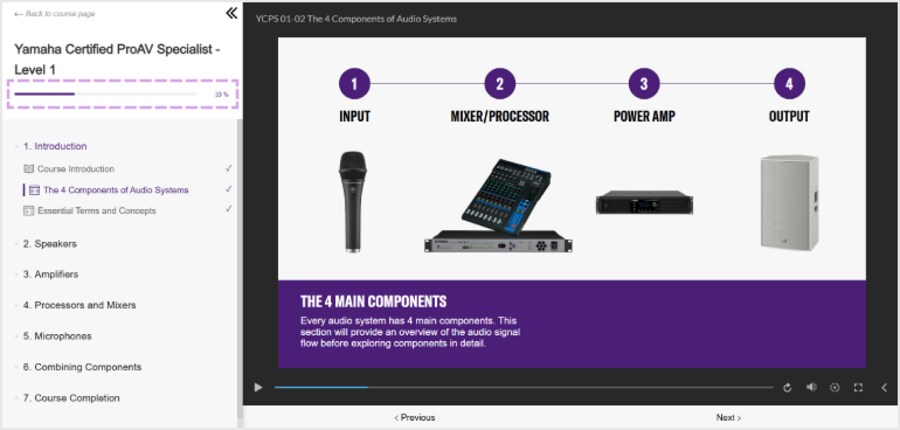
If you selected "Continue," you will be taken to the Course player for your selected course.
In the Course Player, the course title and your progress appear in the top left.
Step 3
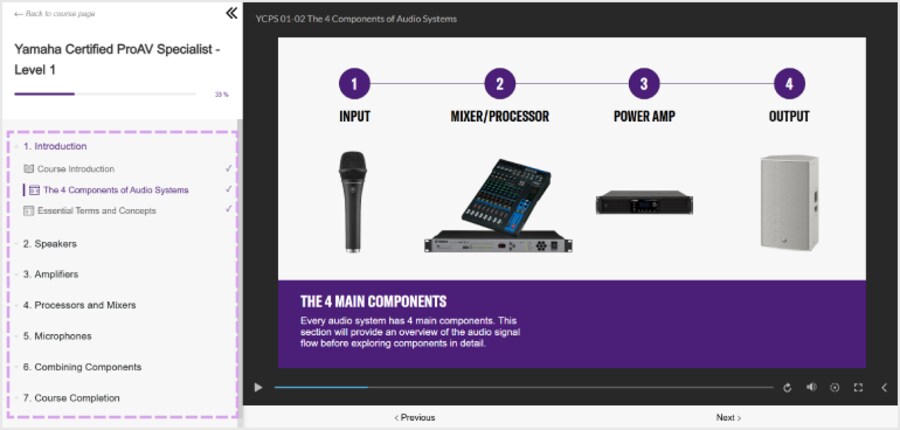
Course modules are listed in sections on the left sidebar, allowing you to follow the course progression or freely select between modules (when available).
Step 4
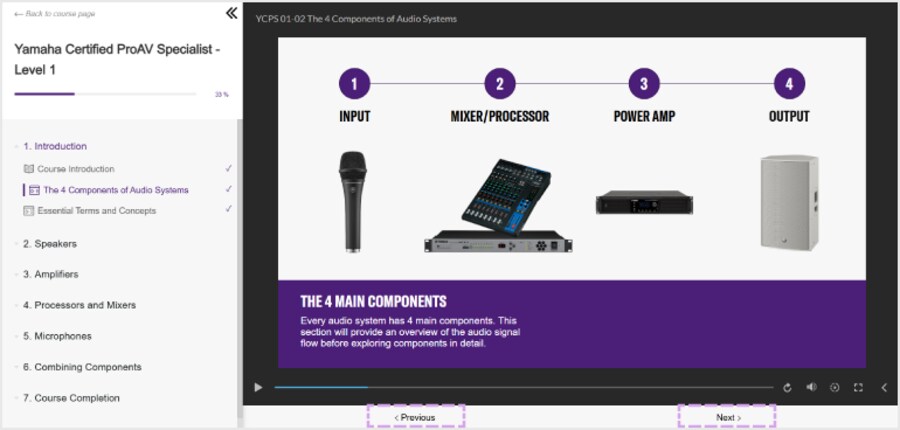
When navigating through modules, use the “Previous” and “Next” buttons located at the bottom of the player.
Step 5
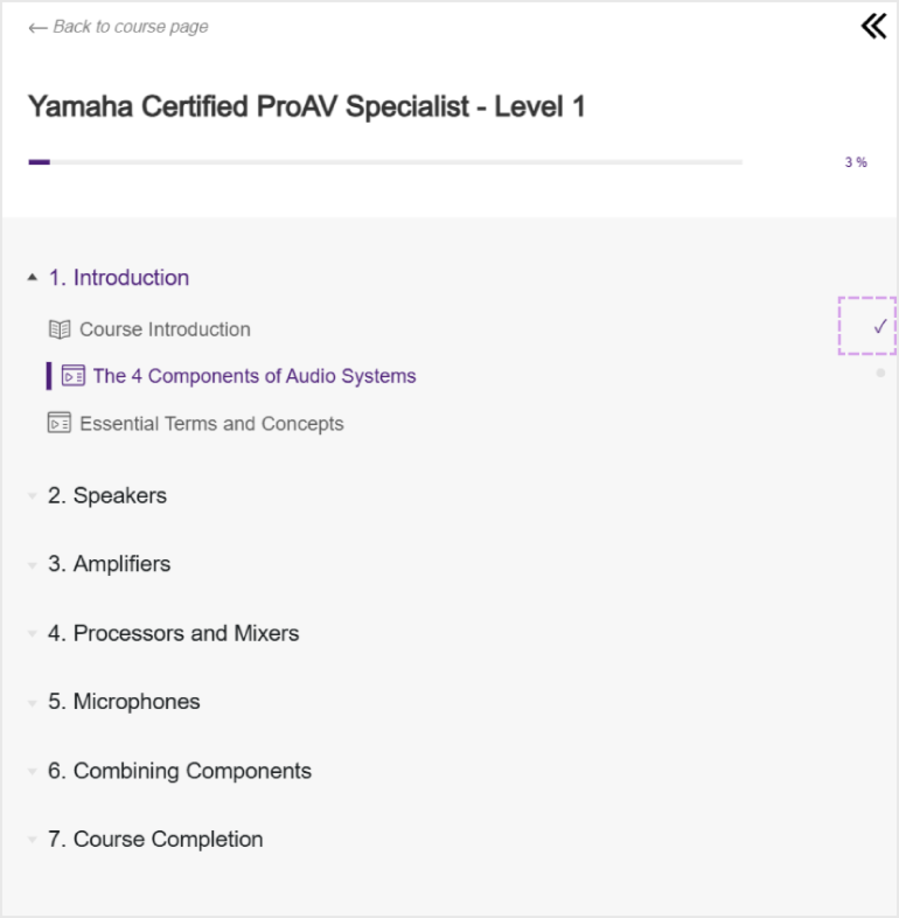
When you complete a module, a checkmark will appear on the right side of the list to indicate your progress.
Step 6
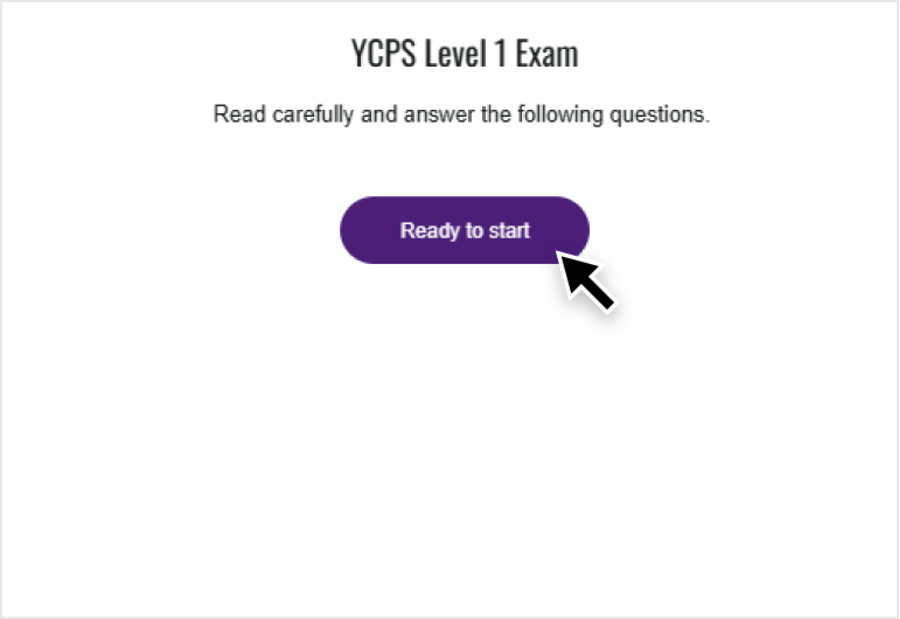
Once you’ve completed all modules within a course, you may have to take an exam to test your understanding of the material.
Select the "Ready to Start" button on the course exam page to begin.
Step 7
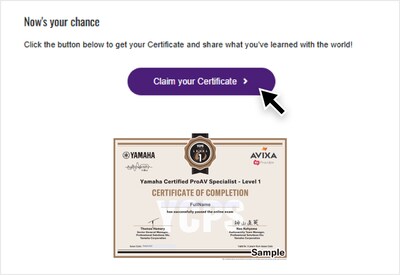
If you pass the exam, you will receive a Certificate of Completion.
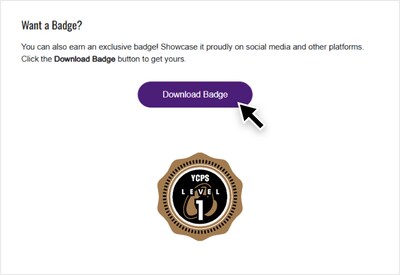
Some courses allow you to download a certificate and a badge.
You can download your certificate by choosing the "Claim your Certificate" button. You can download your badge by selecting the "Download Badge" button.
Now you’re ready to begin learning with Audioversity Online!