
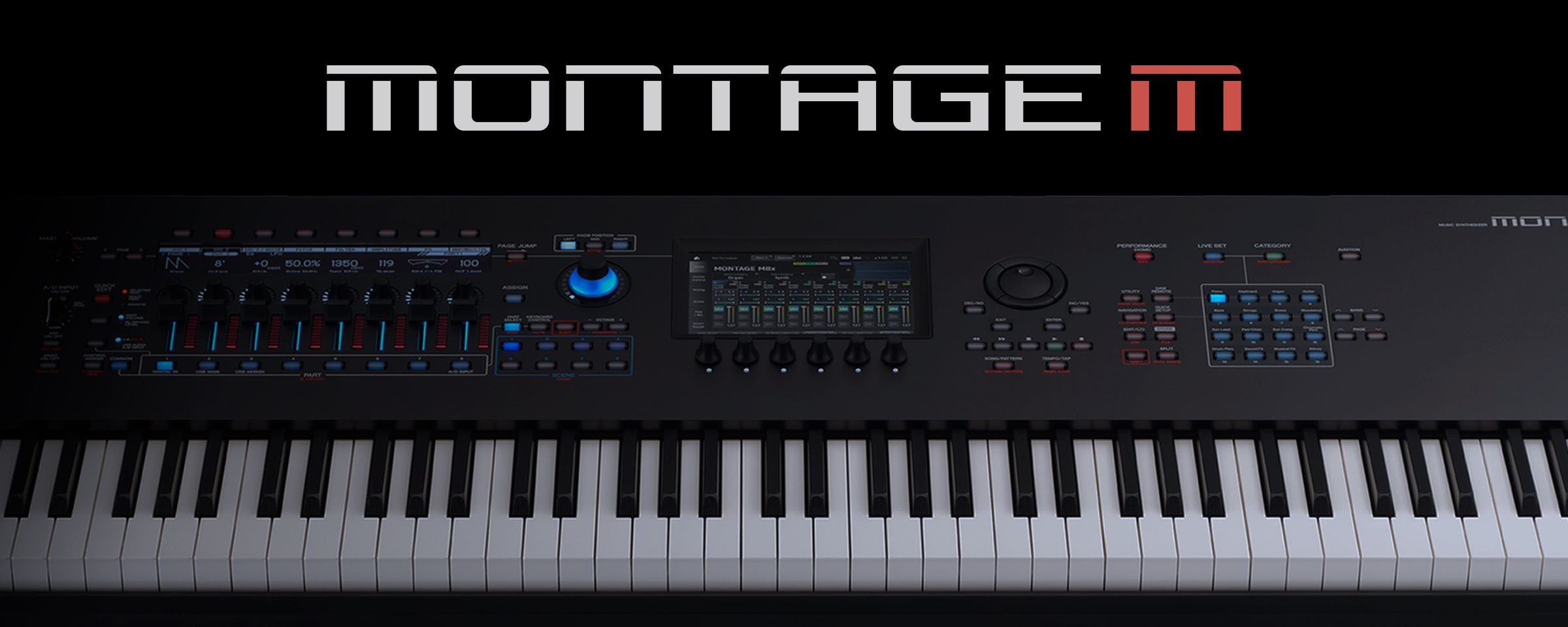
Expanded Softsynth Plugin for MONTAGE M
Expanded Softsynth Plugin for MONTAGE M v3.0
Expanded Softsynth Plugins for MONTAGE M (ESP) is the software for MONTAGE M Owner. ESP is not sold separately.
Yamaha hereby grants you a license to use copy(ies) of the software program(s) and data ("SOFTWARE") accompanying this Agreement, only on a computer, musical instrument or equipment item that you yourself own or manage.
You may not reproduce, modify, change, rent, lease, or distribute the SOFTWARE in whole or in part, or create derivative works of the SOFTWARE.
Regardless of the reason, Yamaha will not be responsible for re-supplying the software if it is lost.
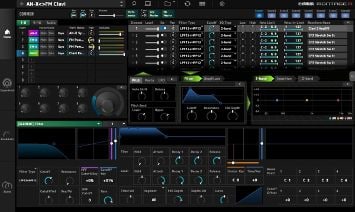
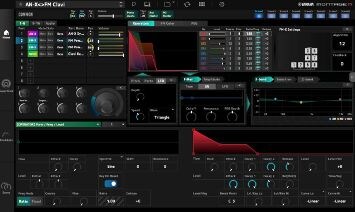
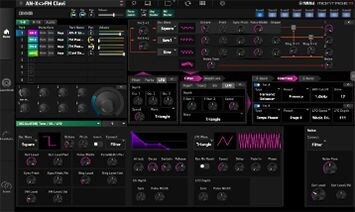
A game-changer for musicians, the Expanded Softsynth Plugin (E.S.P.) replicates the MONTAGE M in your favorite Digital Workstation (DAW).
Free for all registered MONTAGE M owners, E.S.P. allows you to create, edit and mix MONTAGE M Performances anywhere – without the hardware – offering an unprecedented level of stage and studio integration.
Simplifying your studio setup, MONTAGE M offers a USB MIDI and multichannel 32 output/6 input audio interface.
Notes
ESP v3.0 does not support following features. *As of 25th June 2025.
・ MIDI 2.0
・ SSS (Seamless Sound Switching)
・ Settings of Individual Output
・ Performance of Part 9 to 16
Yamaha Corp. reserves the right to change or modify products or specifications at any time without prior notice.
System Requirement
Windows
[OS] : Windows 11 (64-bit), Windows 10 (64-bit)
[Plugin format] : VST 3
[CPU minimum] : Intel® Core™ i5 (8th Generation) or equivalent CPU, AVX2 support is required (*1)
[Memory] : 8 GB RAM or more
[Storage] : 10 GB free space
[Display resolution] : 1000 × 640 display resolution at least (1440 × 870 recommended)
*Not compatible with multi touch display operation
Mac
[OS] : macOS 26.x, macOS 15.x, macOS 14.x
[Plugin format] : VST 3, AU v2
[CPU minimum] : Intel® Core™ i5 (mid 2017 or later) or Apple silicon (*2), AVX2 support is required for Intel processors (*3)
[Memory] : 8 GB RAM or more
[Storage] : 10 GB free space
[Display resolution] : 1000 × 640 display resolution at least (1440 × 870 recommended)
(*2) Not supported in Rosetta2
How to activate and download the software
The colors and finishes shown may vary from those on the actual products.