DM Editor
Offline preparation. Live monitoring. One workflow.
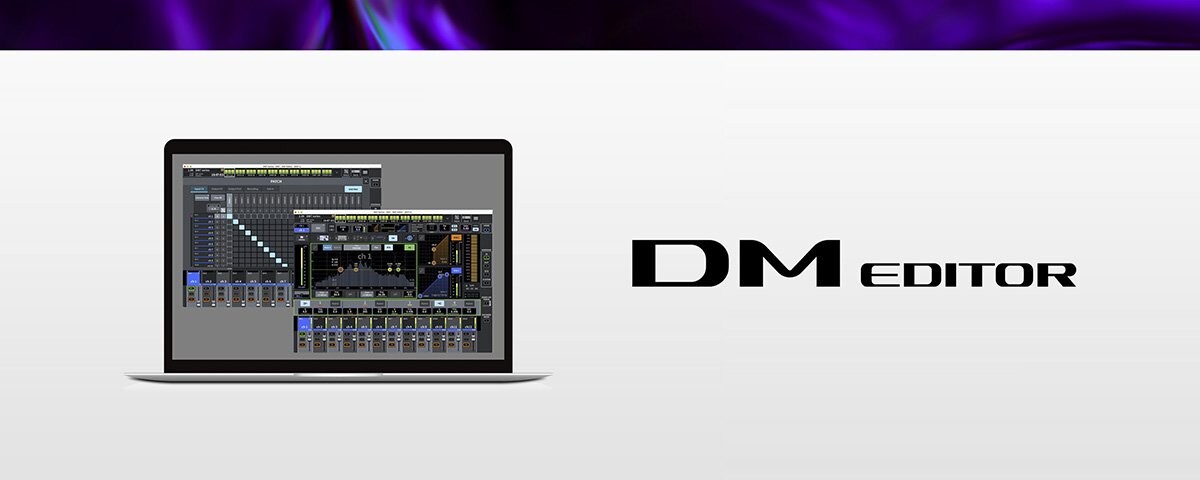
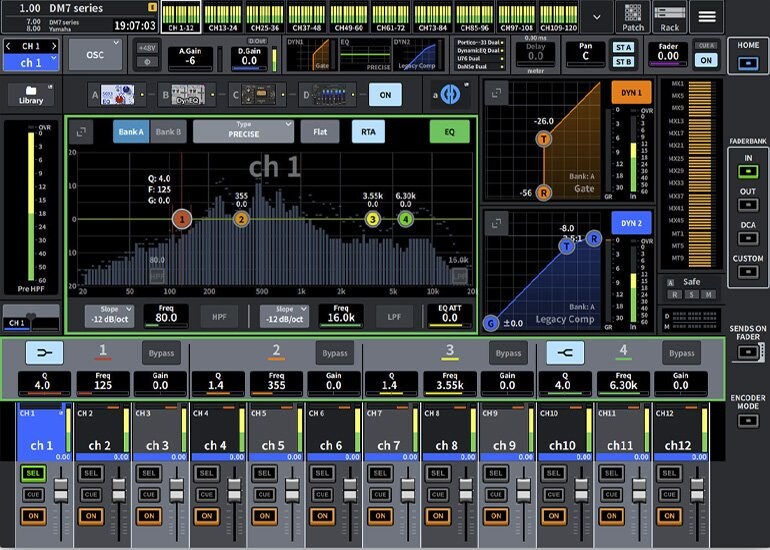
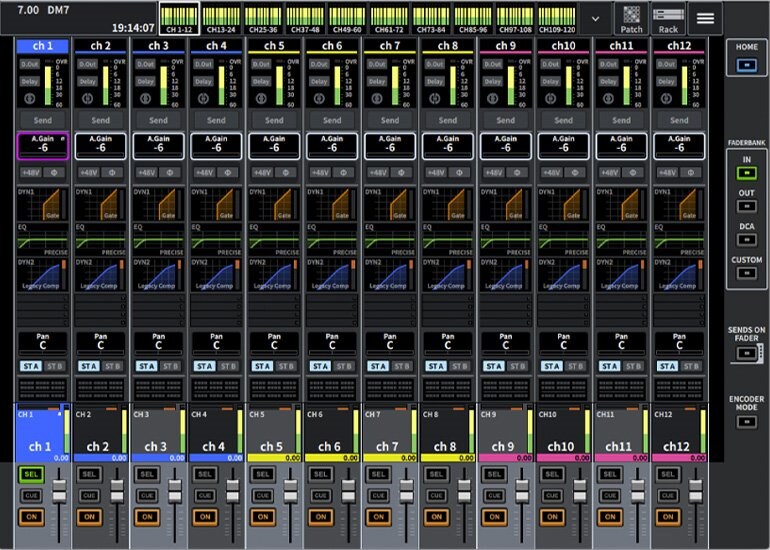
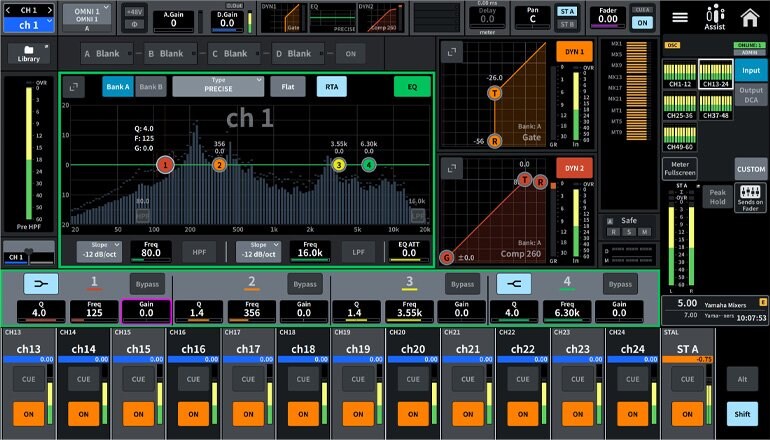
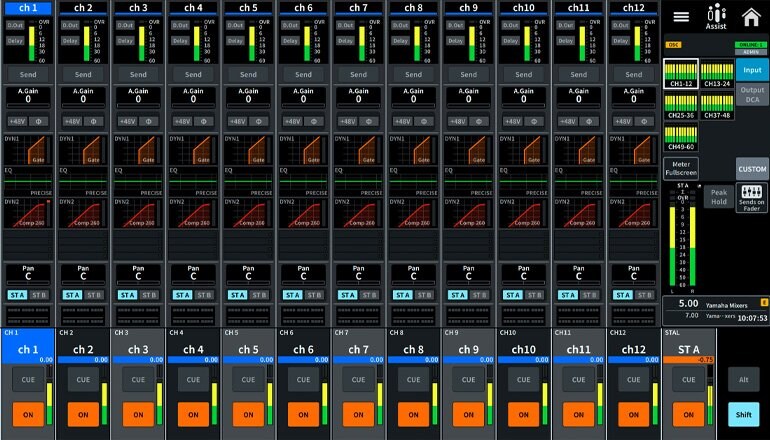
A standalone application for Windows or Mac, DM Editor has been designed for extended online operation of Yamaha DM7 and DM5 mixing consoles, as well as for offline configuration and editing. Featuring the very same screens as your console's user interface, this application puts a vast array of mixer functions at your disposal: display the full Selected Channel view and the Overview display, configure settings just as you would on the console, manage scene data, carry out patch-list editing, edit channel names, expand the fader area to operate the faders – you name it. And when you must use a rental or installed console, simply save your settings to USB memory and load them into the console when needed. DM Editor also makes it easy to manage backups, and you can even use it together with DM StageMix for iPad. One instance of DM Editor and two iPads running StageMix can be connected to a single DM7 or DM5 console. When you launch the application, just select a mixing console from the displayed list to load its settings.
* DM Editor is compatible with DM7 firmware V2.0 or later.
Selected Cannel View on the Bay L/C screen (DM7 series)
Overview on the Bay L/C screen (DM7 series)
Selected Cannel View on the Bay L/C screen (DM5 series)
Overview on the Bay L/C screen (DM5 series)
Utility Screen (DM7 series)
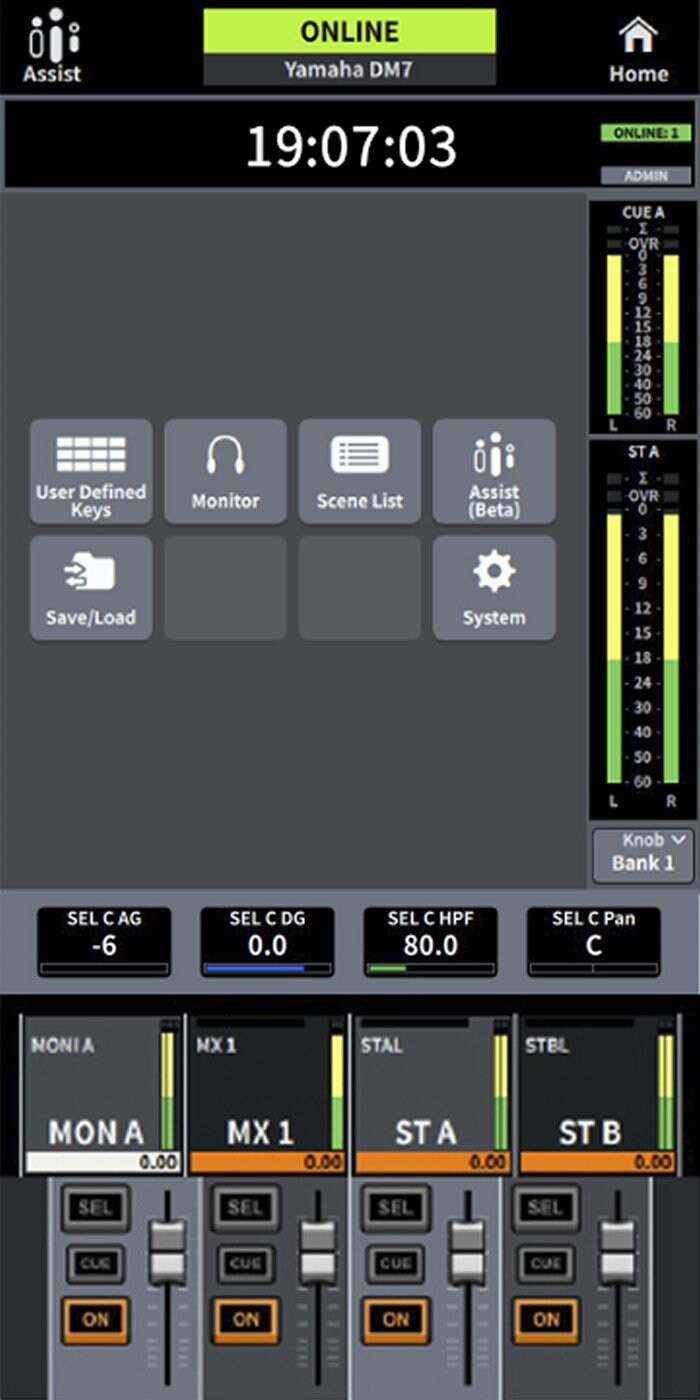
User Defined Keys (DM5 series)
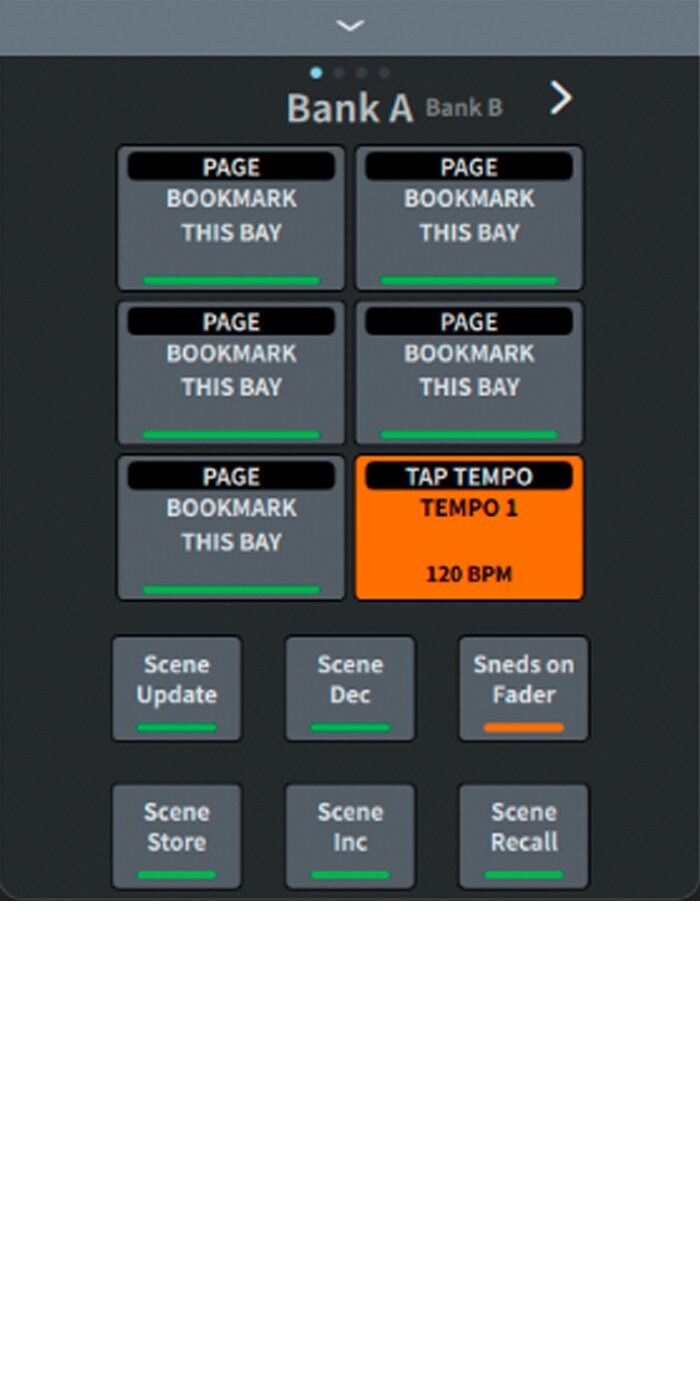
Fader Bank (DM5 series)

Download
Product Information
DM Editor
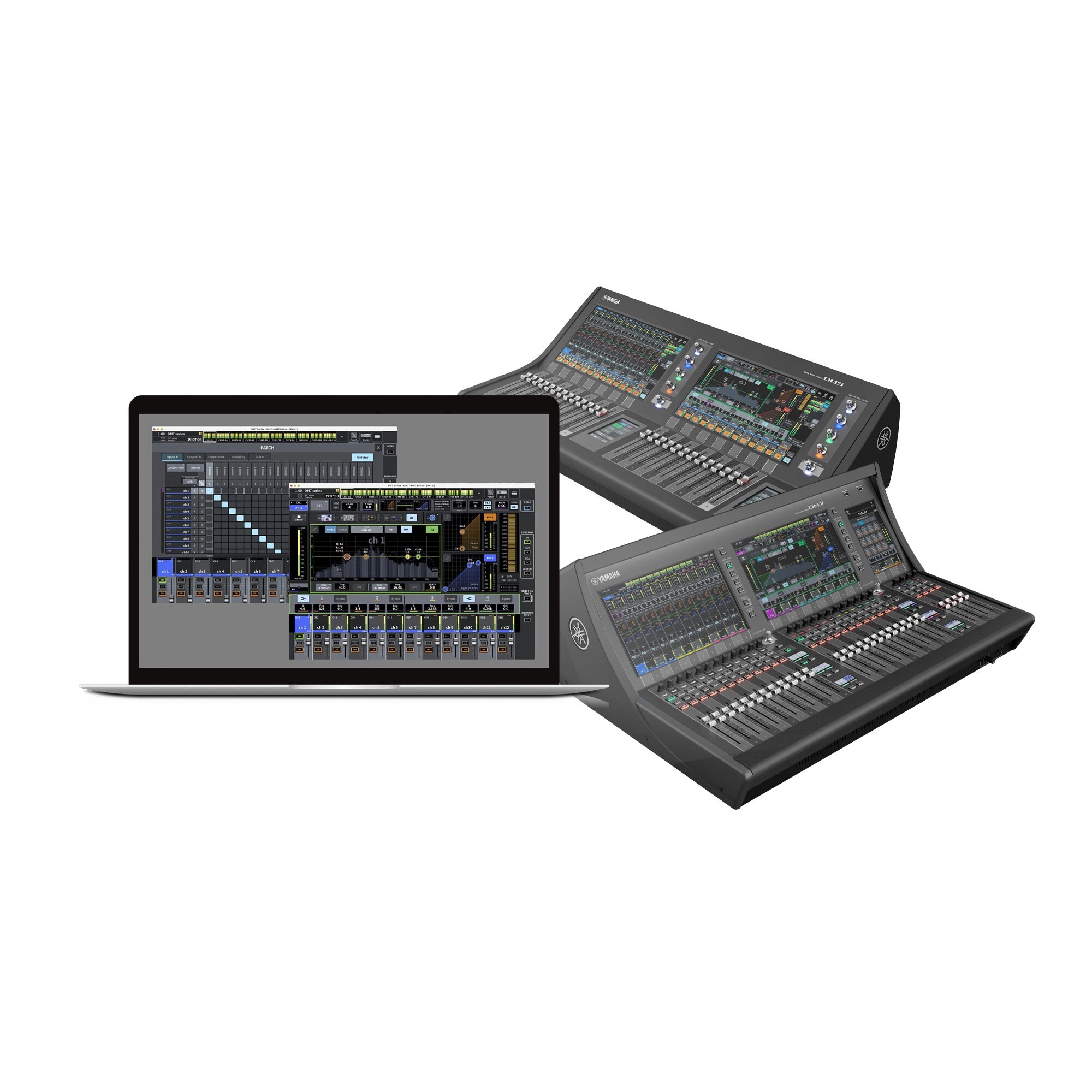
The DM Editor is a standalone application for computers running Windows or Mac operating systems, for both extended online operation and offline setup and editing.
Related Products

The colors and finishes shown may vary from those on the actual products.